
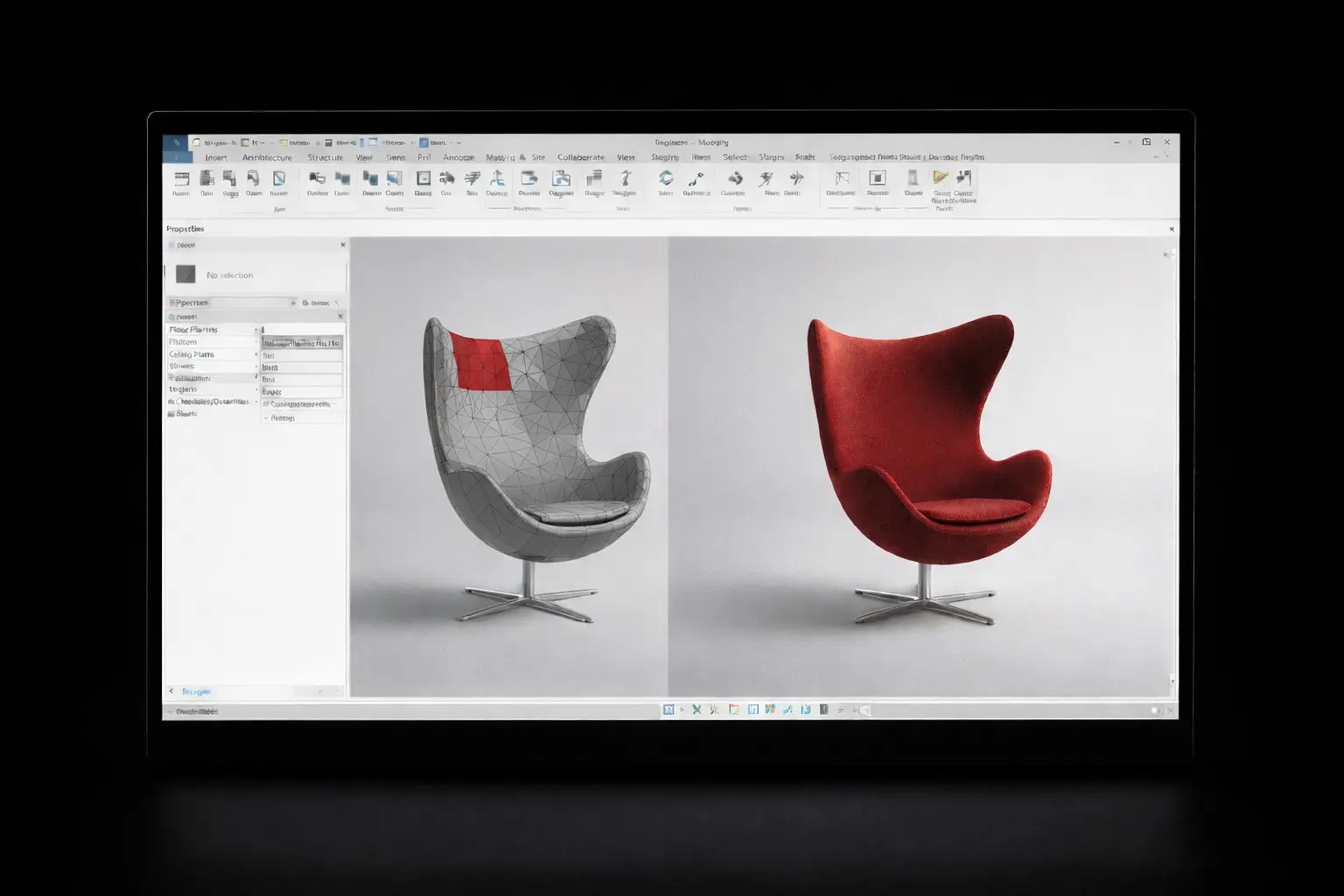
Still painting DirectShape faces one by one in Revit? See why that workflow breaks on tessellated models, and how Reassign Texture in Import 3D updates full objects in seconds.
Still painting DirectShape faces one by one in Revit? See why that workflow breaks on tessellated models, and how Reassign Texture in Import 3D updates full objects in seconds.
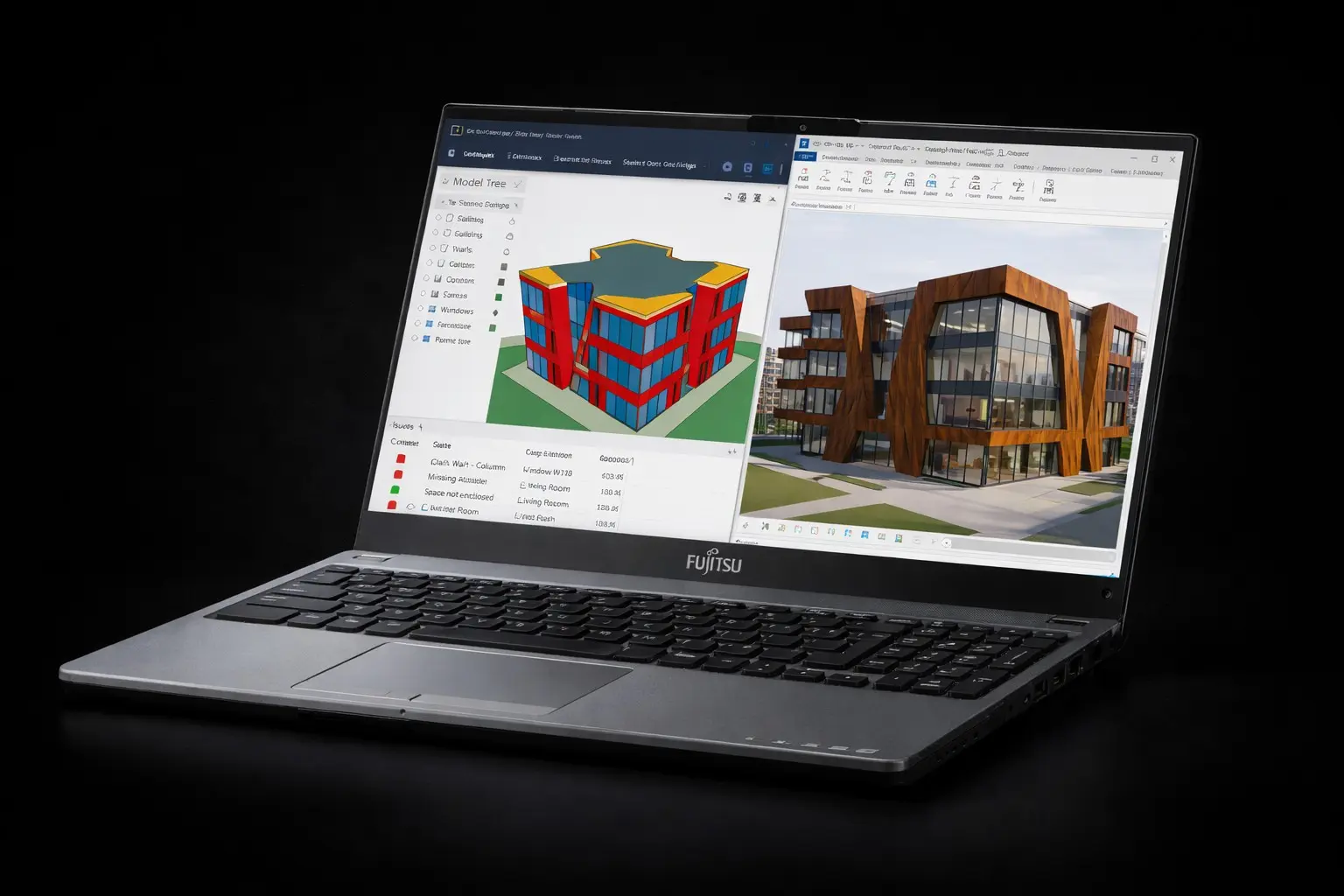
Linked or opened IFC in Revit and materials still look wrong for presentation? This guide explains why IFC elements become DirectShapes and exactly where to edit textures so updates stick.
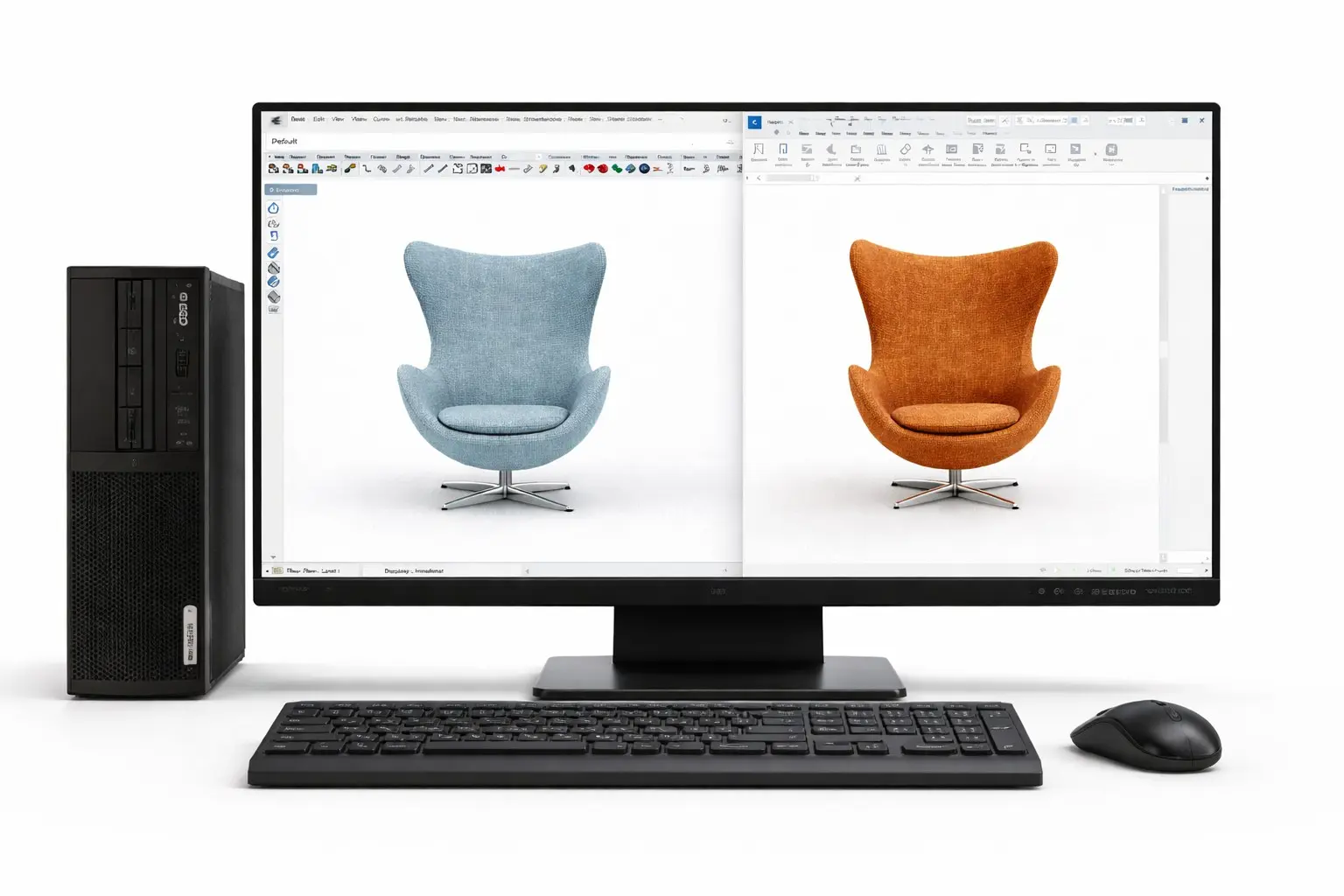
Your Rhino.Inside model looks right until a last-minute material change appears. There is a faster way to update DirectShape textures directly in Revit. Open the post to see the workflow.
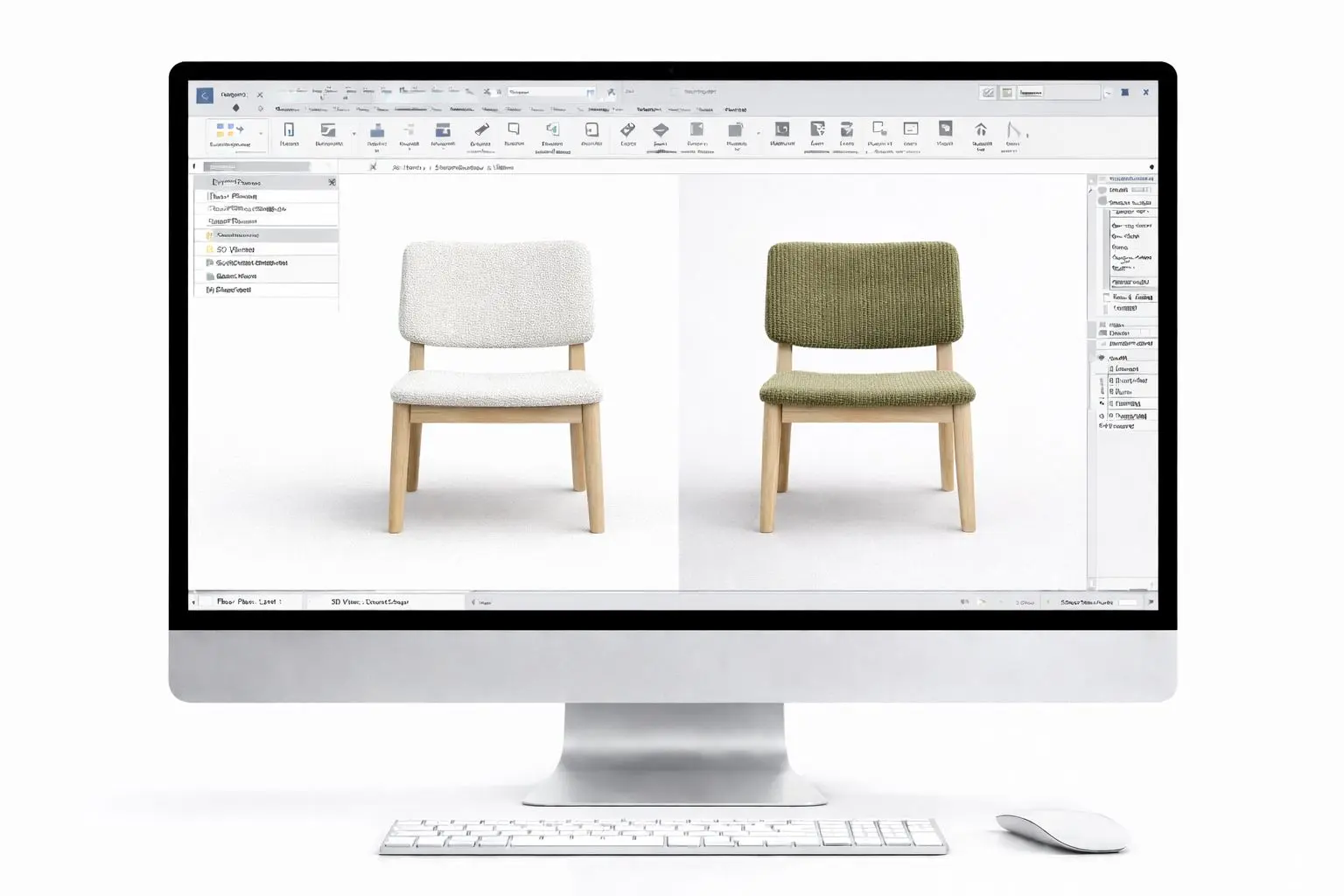
DirectShapes usually feel like a dead end for texture changes in Revit. What if you could reassign materials in seconds without rebuilding geometry? Click to see the exact method.

The import 3D plugin for Autodesk Revit introduces the support of one of the most compatible used formats across software platforms: Collada DAE. Why is COLLADA a relevant format, and why could you benefit from using it with your Revit projects?

Import 3D natively supports one of the most used 3D file formats: Wavefront OBJ. What are the reasons behind its success, and why should you most certainly end up using it in one of your Revit projects?

Interoperability is the glue that holds the AEC systems together. Learn how sharing 3D data into Revit is evolving, the challenges, and the future.