

Archi Backup is a Windows app that backs up ACC and BIM 360 files to storage you control, on a schedule, with every downloaded file checked.

For September 2026, the top tested laptop for Revit remains the Intel(R) Core(TM) Ultra 9 275HX with the NVIDIA GeForce RTX 5080 Laptop GPU. It also led in August 2026, while the separate CPU leader changed to the Intel(R) Core(TM) Ultra 9 285HX. To compare more tested systems, run the benchmark tool and view the full laptop CPU rankings and laptop GPU rankings.

For September 2026, the recommended desktop pairing combines the current CPU leader, AMD Ryzen 9 9950X 16-Core Processor, with the current GPU leader, NVIDIA GeForce RTX 5070, based on separate rankings. The top tested system remains Intel(R) Core(TM) i9-14900KF + NVIDIA GeForce RTX 5070. View the full desktop CPU rankings and desktop GPU rankings, or run the benchmark tool on your own machine.

AEC teams lose time when project context crosses from site data to design, structure, coordination, visualisation and the cloud. Archi Automate now covers twelve of those environments — with one set of controls.
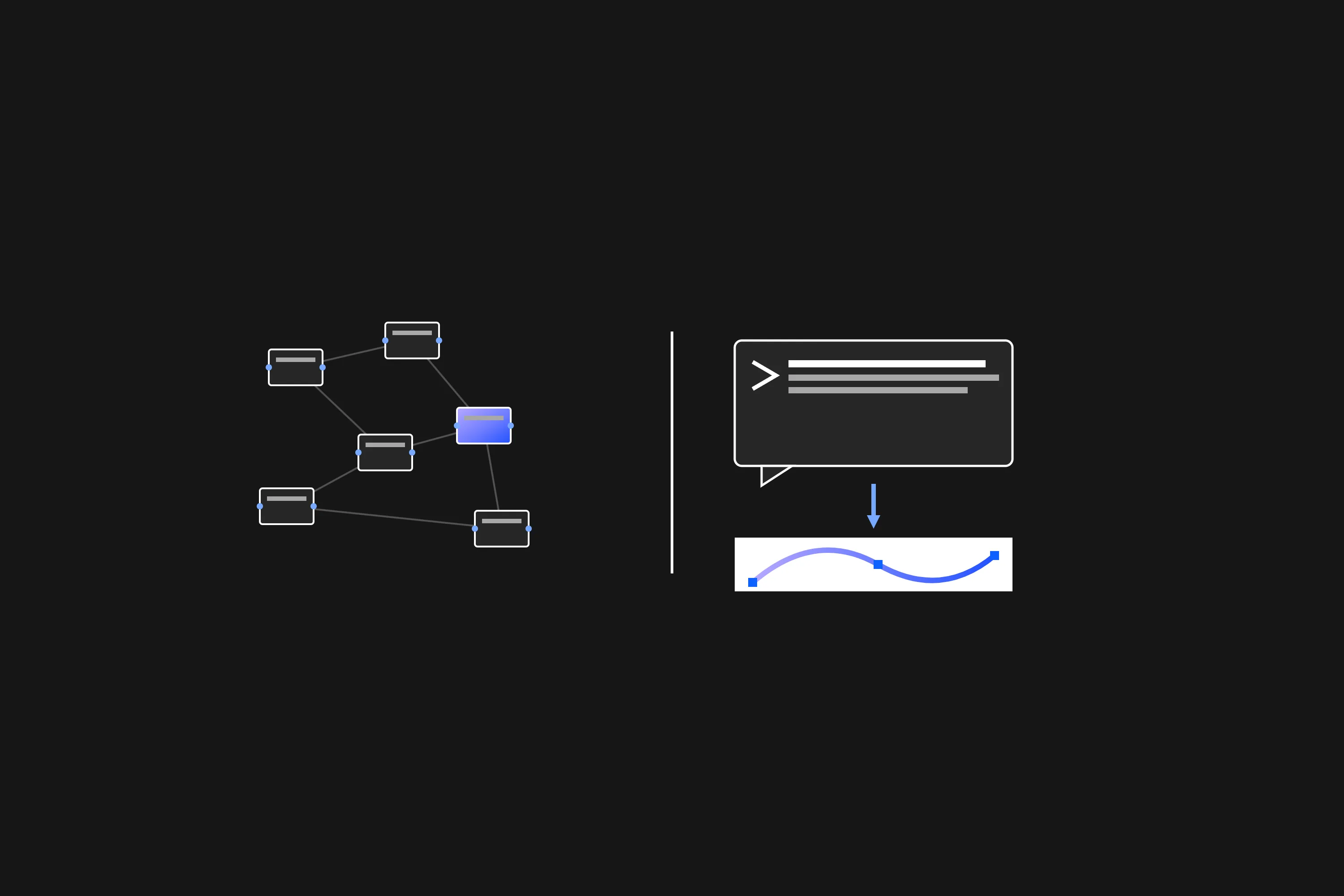
How node-based Grasshopper and conversational AI Rhino automation differ, and why they are complementary rather than competing.
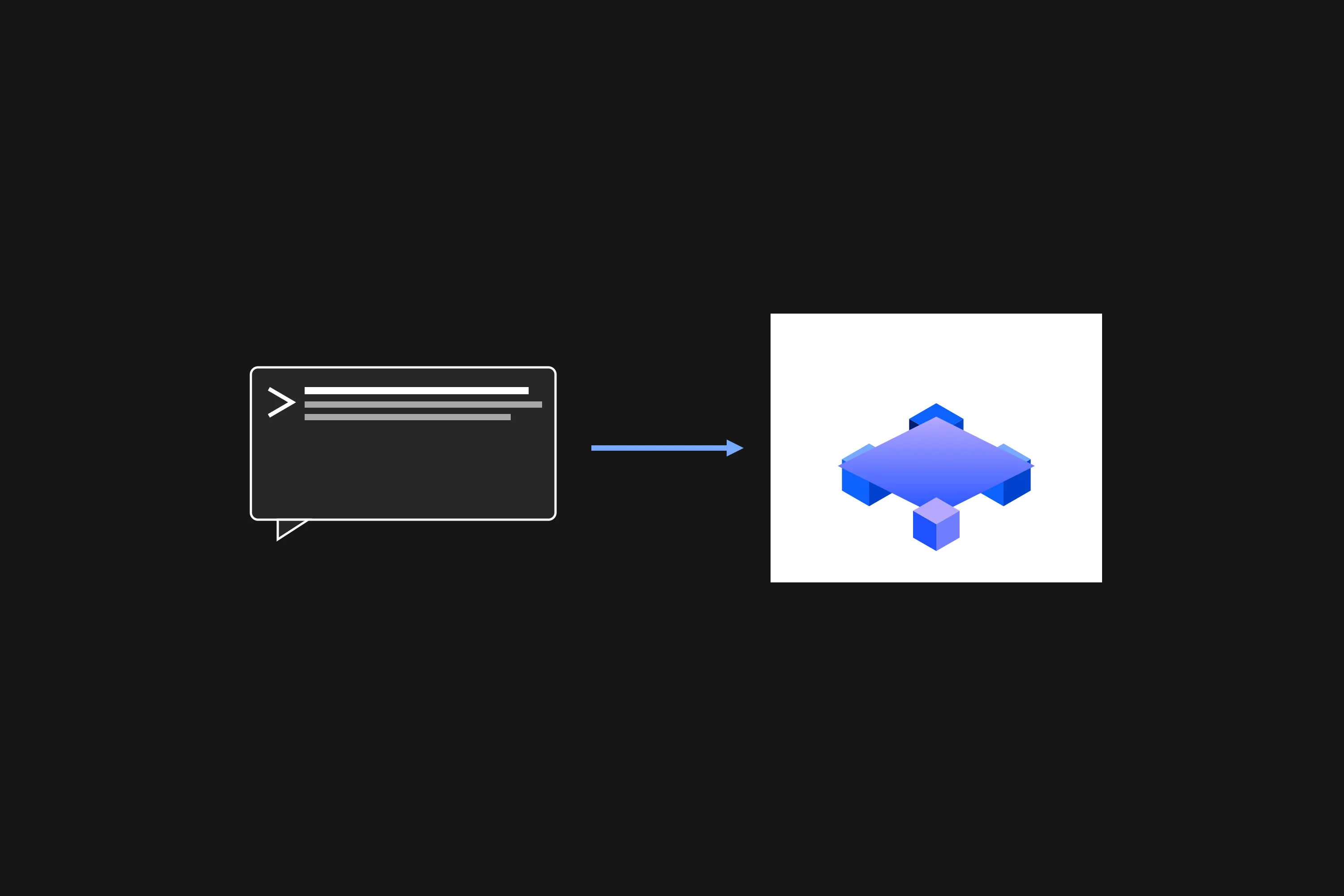
Read your Archicad model and create, move or delete elements in plain language through a governed, first-party command set.
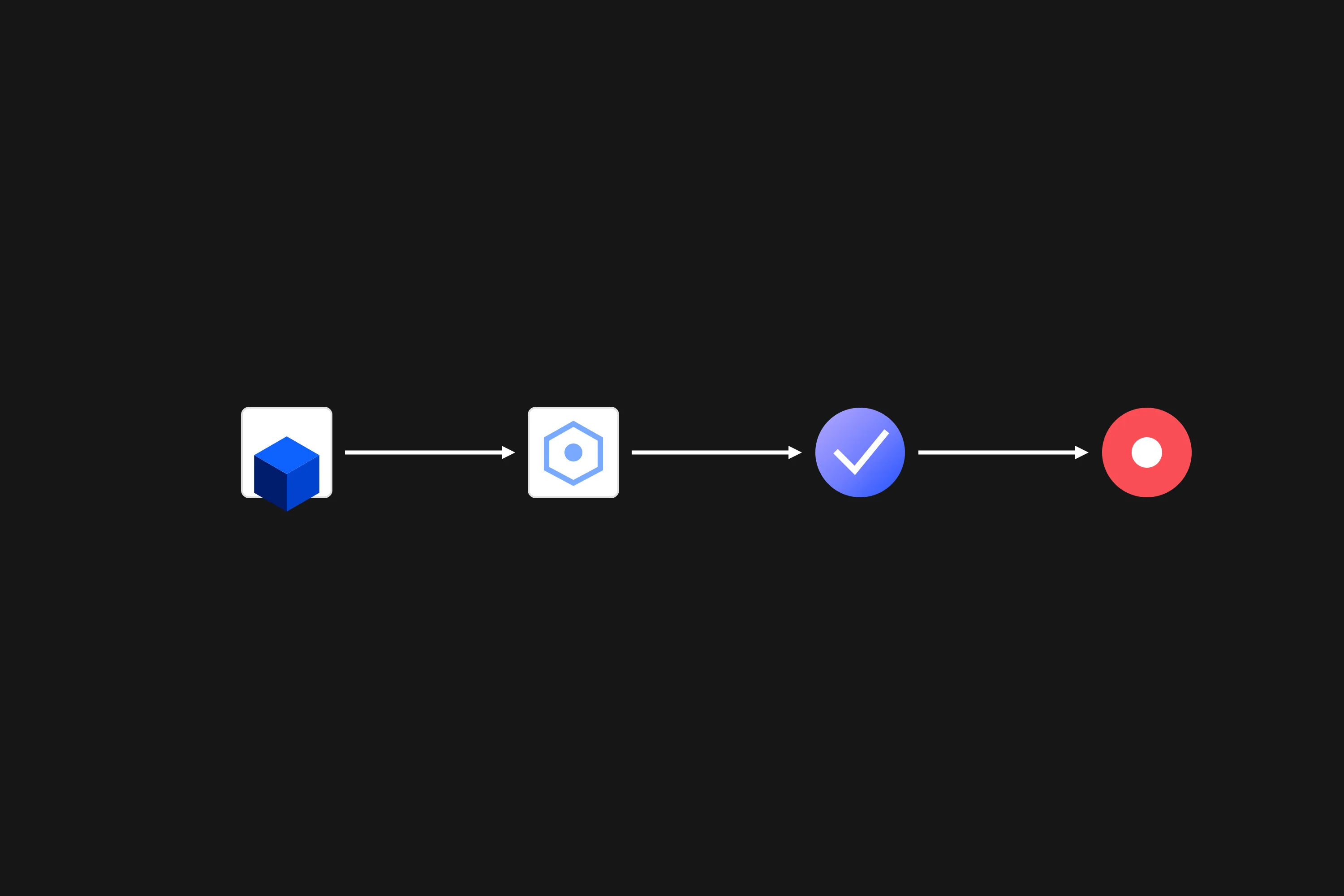
Carry a model from live Revit authoring through IFC export, IDS validation and BCF coordination in a single AI conversation.

Layered guardrails, screened operations, rollback transactions and full audit logs let you put AI in front of a live BIM model with confidence.

Reach every running host from one AI conversation and carry context between programs, mediated by the conversation rather than a hidden sync.
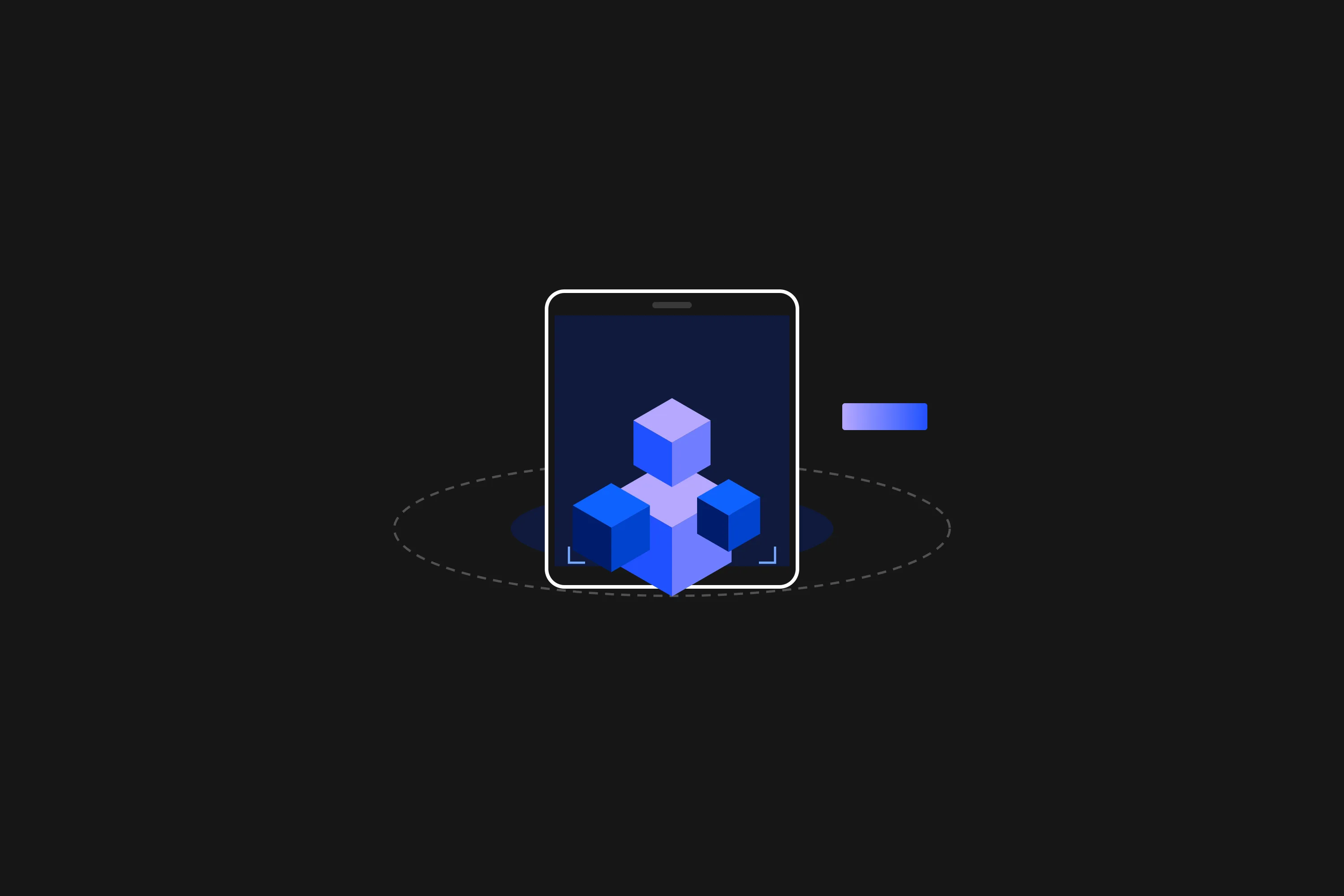
Export any IFC to USDZ and let clients place the building at true scale in AR on iPhone, iPad or Vision Pro.
Fetch neighbouring building footprints from public open data into a georeferenced context massing, sending only a location, never model data.
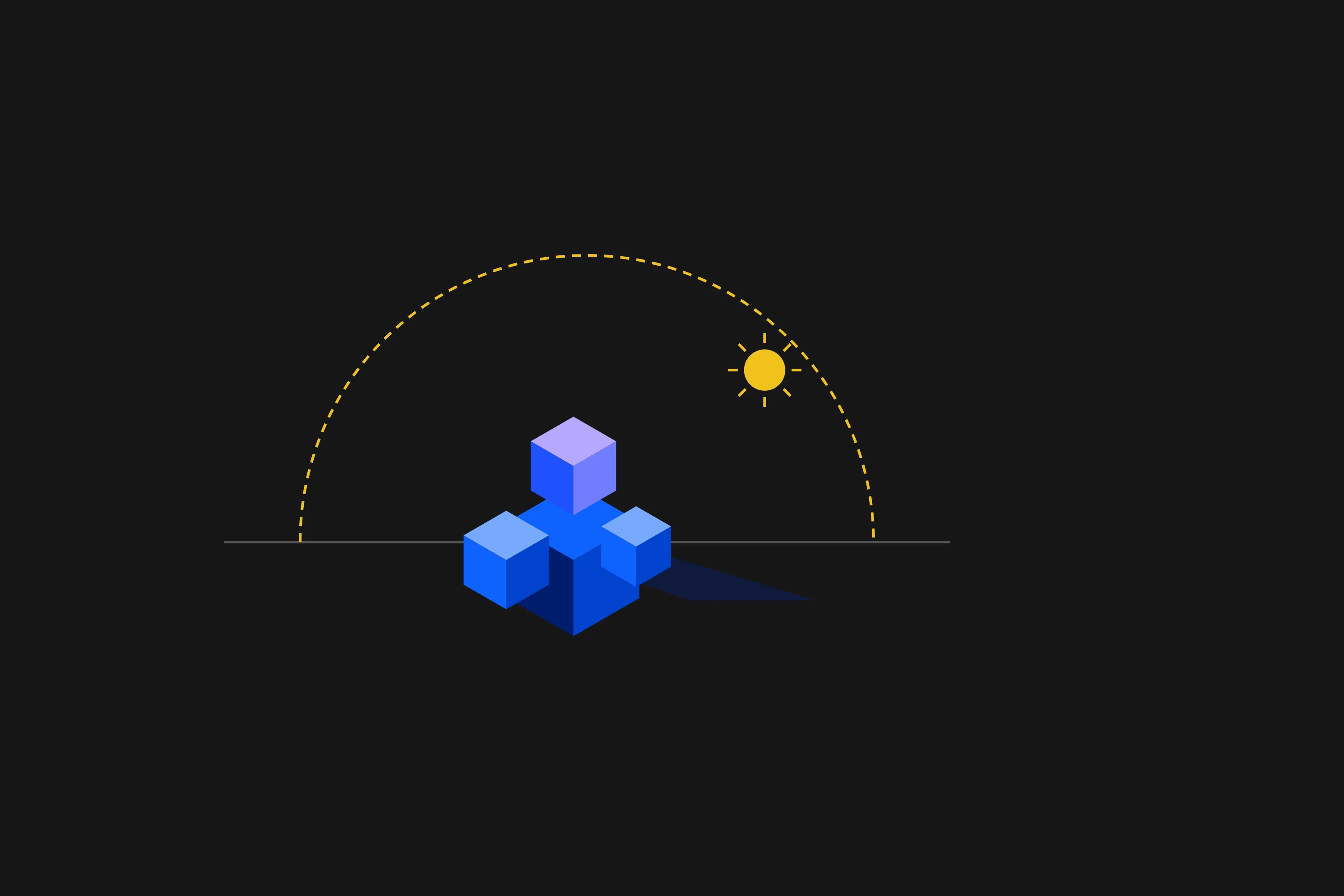
Compute hours of direct sun per element for any date and window with an offline, local sun study driven by AI.