Topography for Revit: create terrain from LAS and LAZ point clouds.
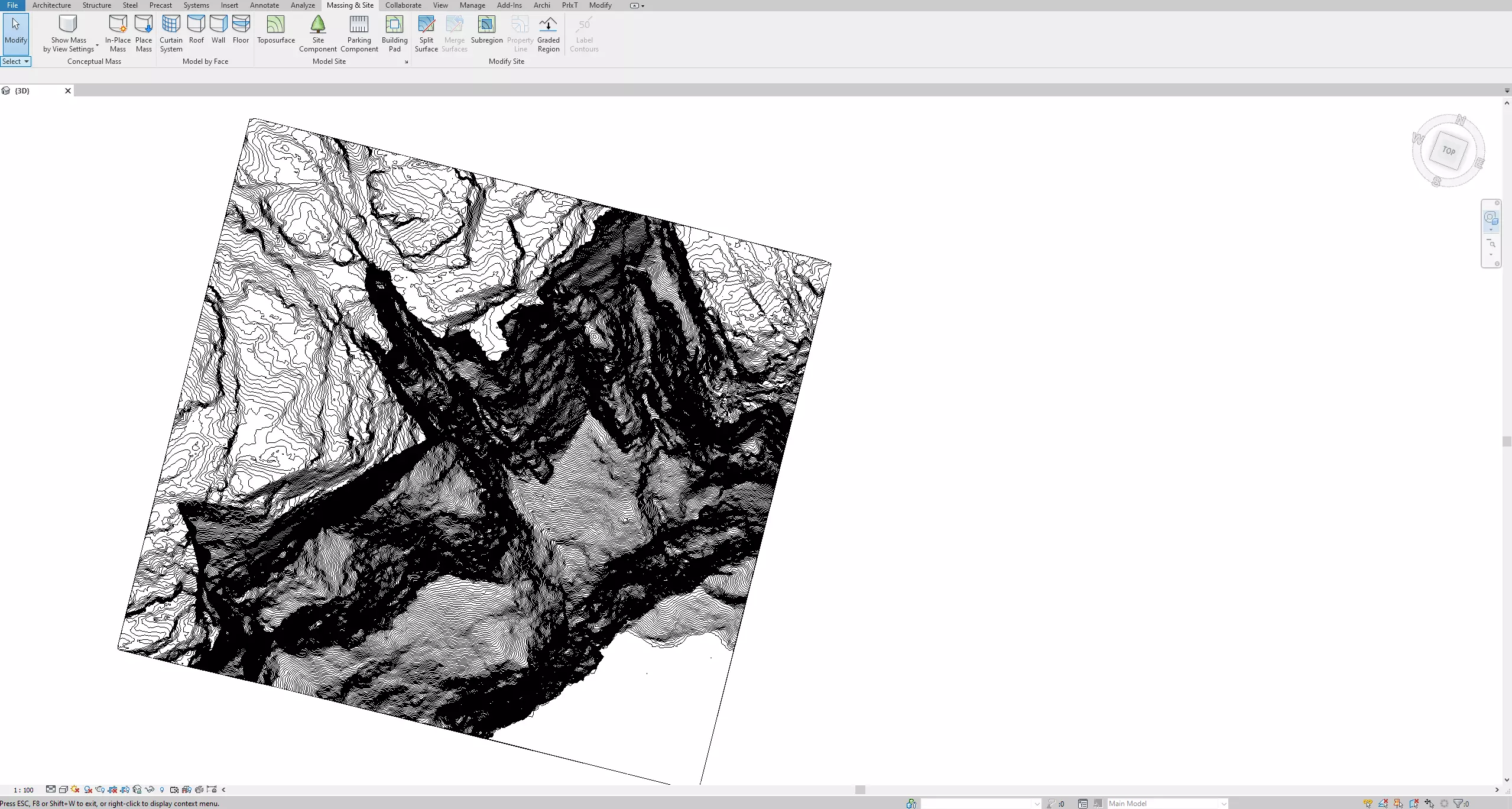
Convert classified LiDAR ground data into Revit Toposolid or TopoSurface geometry with density control, coordinate offsets, high-density zones, and CSV export.
“I’m an architect and used Lidar Topography to import terrain into Revit—setup was quick, just point to your LAZ files and get a detailed surface in seconds. The adjustable mesh captures subtle slopes, aligns perfectly with my survey point, and saved me hours over manual contour tracing. A reliable tool that simply works.”
Anton Czerwinski7 May 2025
Autodesk Marketplace review
Benefits
Simplicity
Create higher quality model quickly that realistically describe the terrain of your project.
Modern
Save money by using free laser scan Lidar datasets instead of buying inaccurate and expensive old-fashioned cartography. Links to Lidar sources supplied in the program.
Performance
Process millions of point-cloud datasets in a matter of seconds. Take full advantage of multi-core processor to speed up the creation of your terrain.
See Topography in action
From point cloud to topography
There are no complicated steps to import your Lidar laser scans into highly detailed Revit topo surfaces.
Features
Format
Imports very large point clouds with millions of points as uncompressed LAS or compressed LAZ formats.
Density
Create topographic models with different density levels in accordance to your data source and requirements.
Algorithm
Advanced algorithm to correctly interpret and isolate the terrain data from complex laser scans.
Optimized
Fully optimized to computers with multi-core processors for quicker results.
Geography
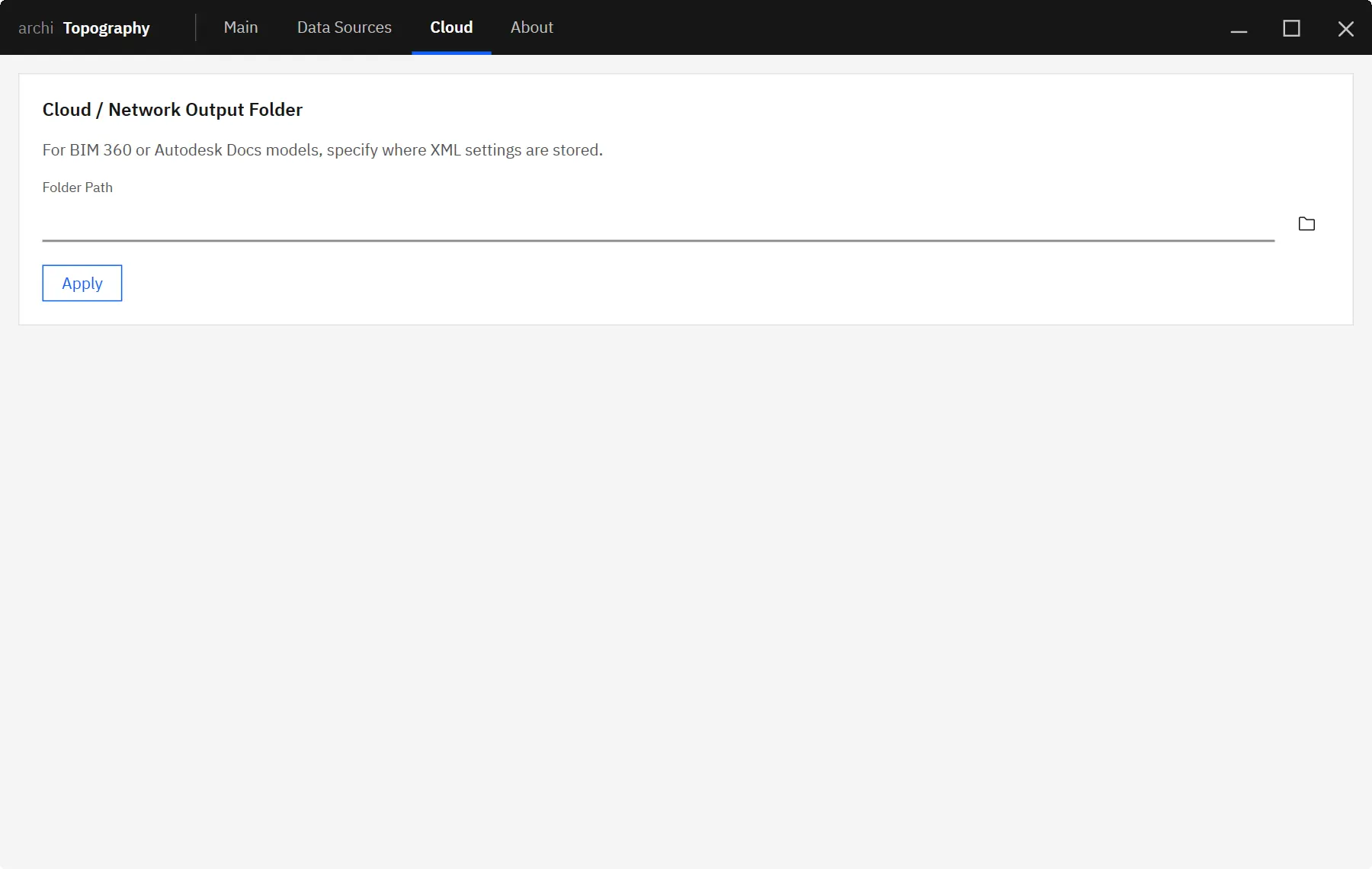
Allows accurate geographical placement of topographic points in relation to the coordinate of your Revit internal point.
Export
Possible to export the processed terrain as CSV dataset for external use in other software.
Learn how to boost the detail of your topographical models in Revit 2026 by editing the Revit.ini file to increase the toposolid points limit up to 50,000 points. This step-by-step tutorial shows you how to unlock enhanced precision for your projects using our free Topography plugin with classified LiDAR data.
There are a few methods to create toposurfaces in Revit. There has been a long debate on the best approach regarding accuracy and convenience. In this article, we shall compare two processes: using contour lines from a CAD file and using Lidar point clouds.
Lidar technology will continue to impact the AEC industry in the years to come by providing affordable and quick surveys. Architects, engineers, and landscape architects will embrace new tools and techniques for error-free projects with more precise and up-to-date digital elevation models.
Get this plugin as part of the full Revit workflow bundle.
Archi Collection gives you Topography plus the rest of archi's Revit workflow toolkit, expanding workflow coverage while offering better value than licensing plugins one by one.
Includes Reports, Graphic Studio, iSync, Database Editor, Topography, and more.
Please login on the website, or provide your name and e-mail to continue your download. The installer will open in a new tab and will run as a 14-day trial unless a valid license is present.