Documentation bottlenecks
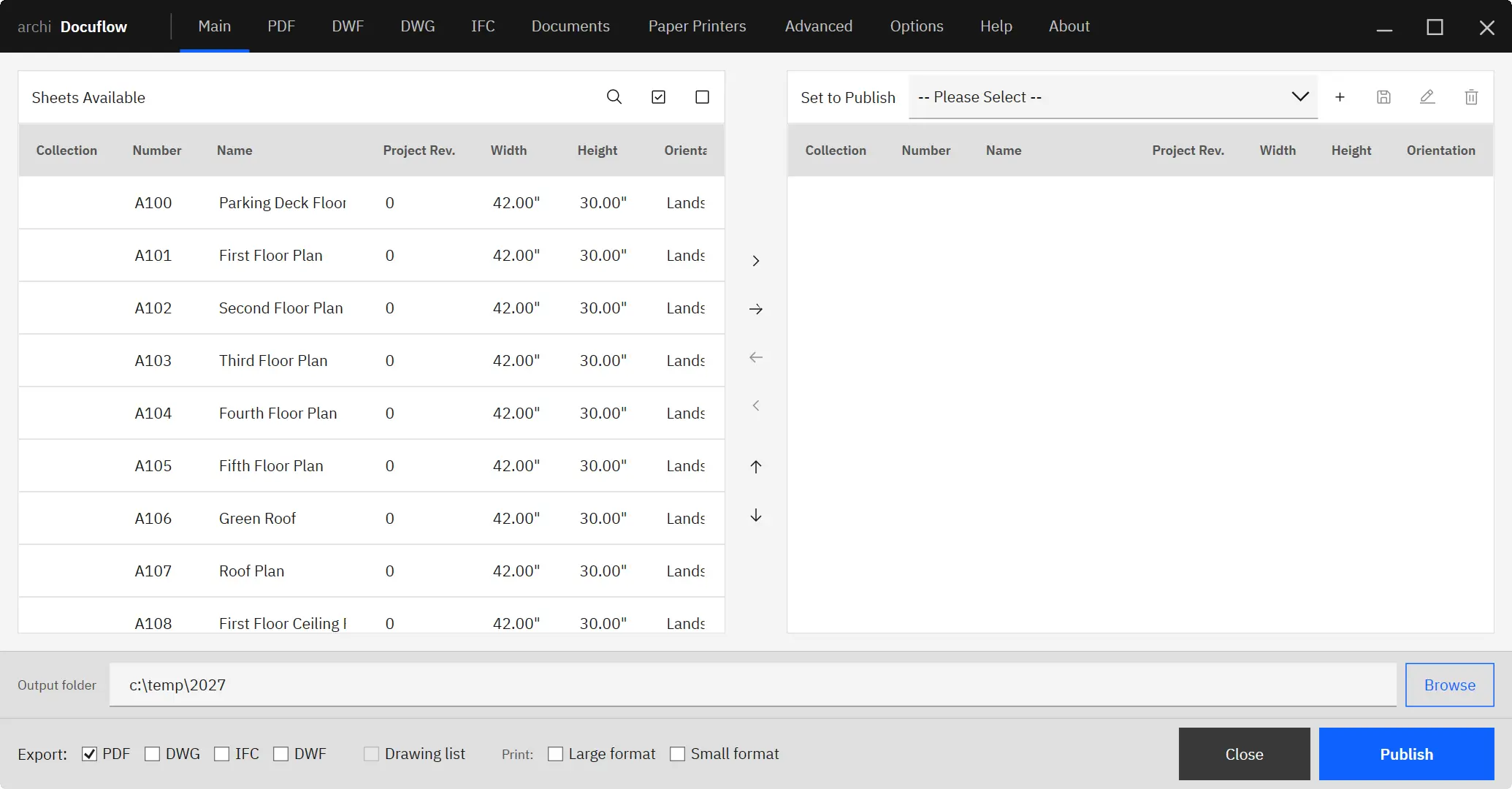
Exports, sheet sets, reports, naming rules, and document output consume production time.
Revit plugins (also called add-ins) are tools that extend Autodesk Revit to automate repetitive work — batch publishing, data cleanup, site setup, and model coordination — so teams spend less time on production overhead and more on design. Archi builds a focused suite of plugins for Revit 2022–2027, each grouped around a specific bottleneck and free to trial for 14 days. New to add-ins? Autodesk explains where Revit add-ins install, and every Archi tool ships with a guided installer and manual.
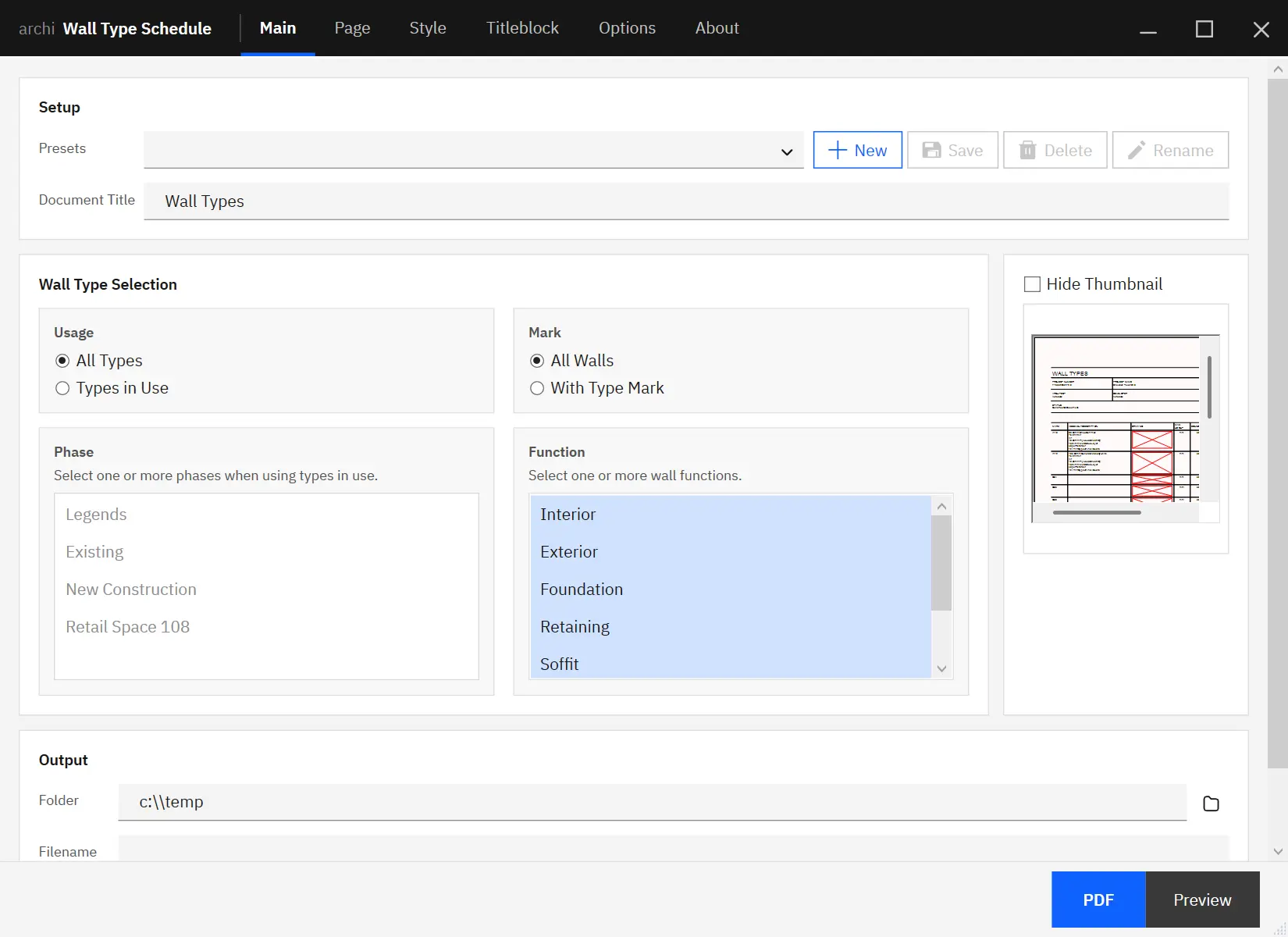
Each Archi stack groups focused plugins around a production bottleneck, so teams can trial the right tools without browsing every product first. If wall documentation is part of that review, see how to create wall type schedules in Revit before choosing the stack.
Exports, sheet sets, reports, naming rules, and document output consume production time.
Parameters, graphics, doors, windows, and model data need cleanup across many elements.
External geometry, IFC links, point clouds, terrain, and planning data need to become usable Revit workflows.
Sync routines, shared model hygiene, workstation checks, and daily model operations interrupt focused production.
Hover or focus an icon to preview the application. Click to open the product page.
| Plugin | Bottleneck it solves | Key capability | Free trial | Rating |
|---|---|---|---|---|
| Docuflow | Documentation and publishing | Batch publish sheets to PDF, DWG and IFC | 14-day | ★ 4.9 (74) |
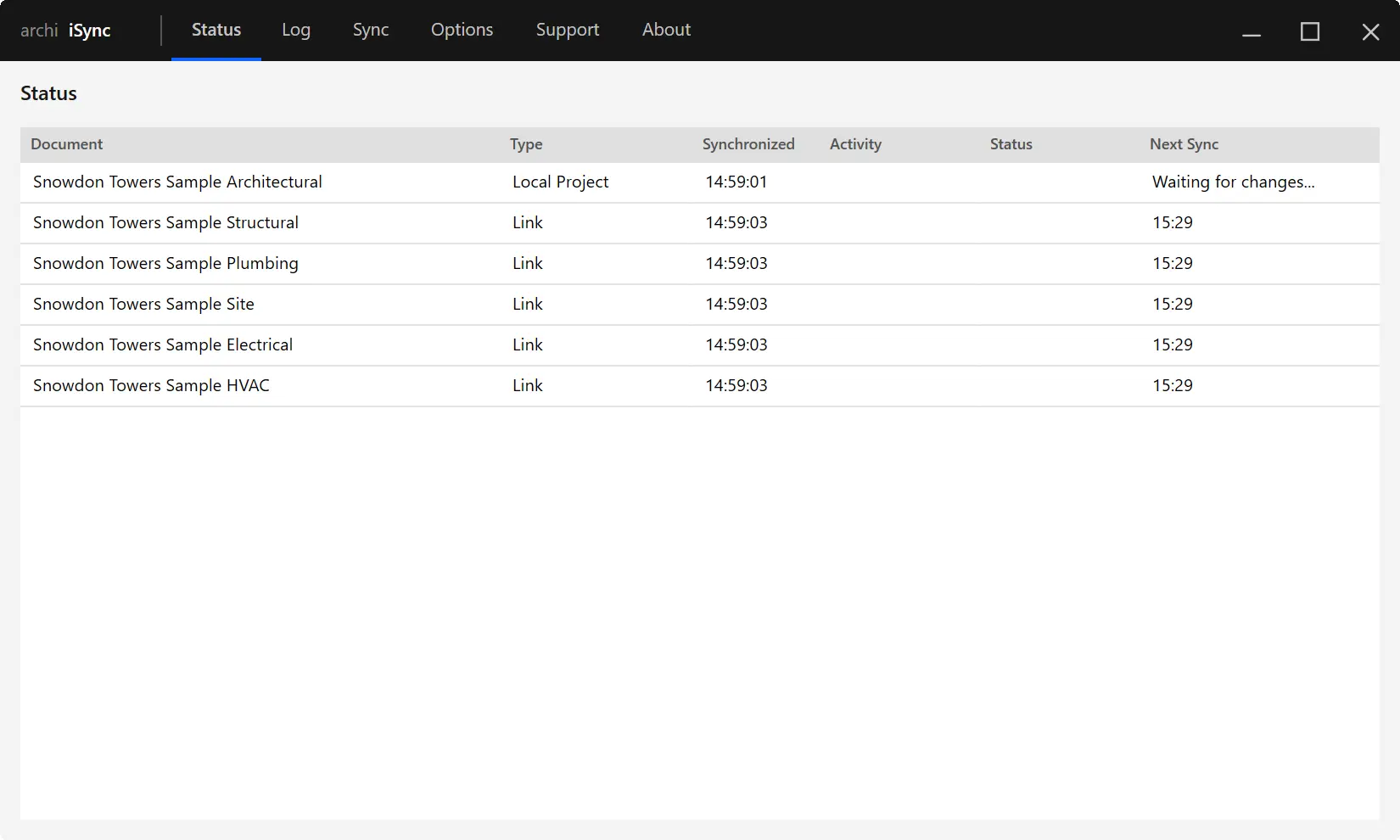
| iSync | Coordination | Automate save, sync, relinquish and link reloads | 14-day | ★ 5.0 (23) |
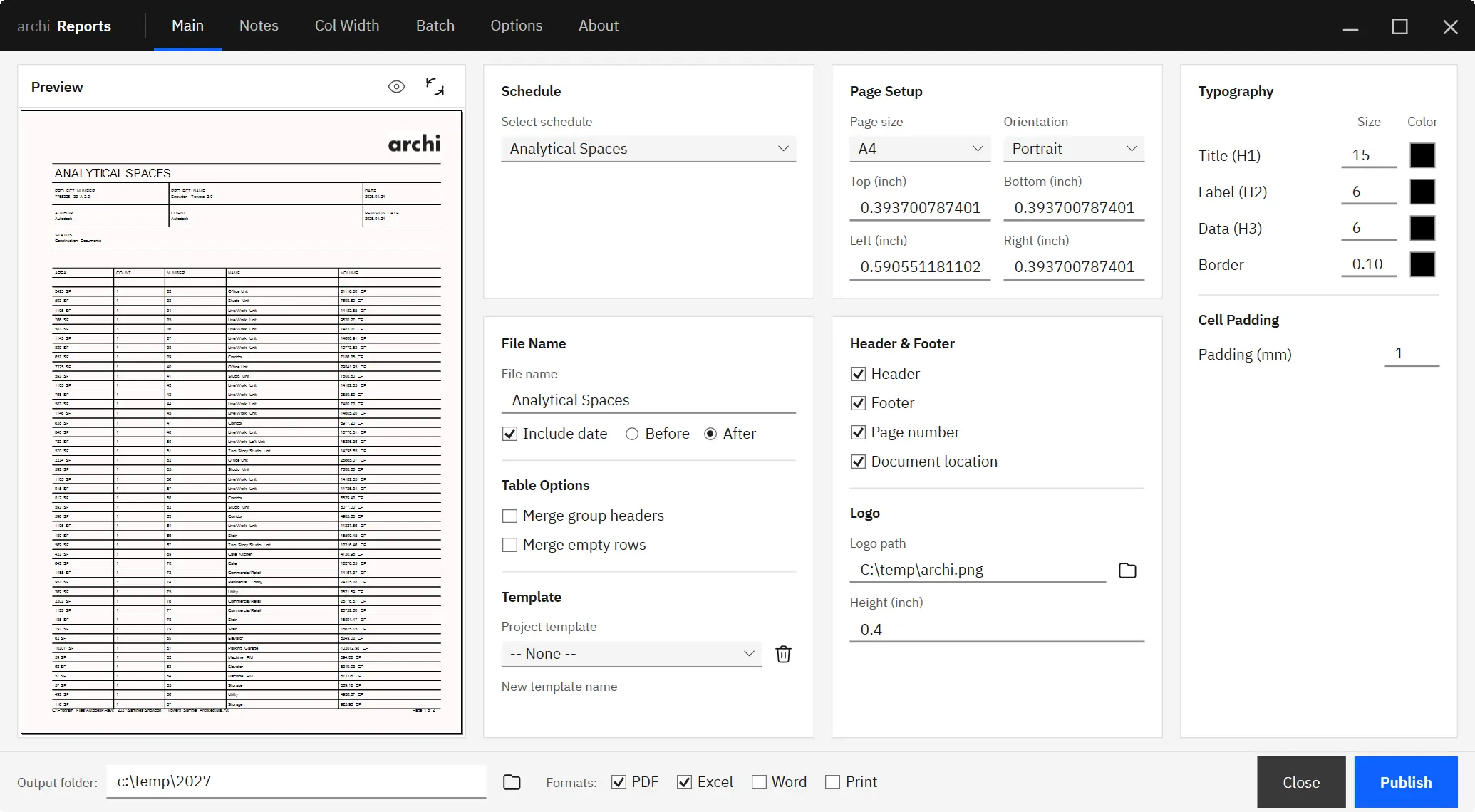
| Reports | Documentation and data | Turn schedules into multi-page PDF deliverables | 14-day | ★ 4.5 (13) |
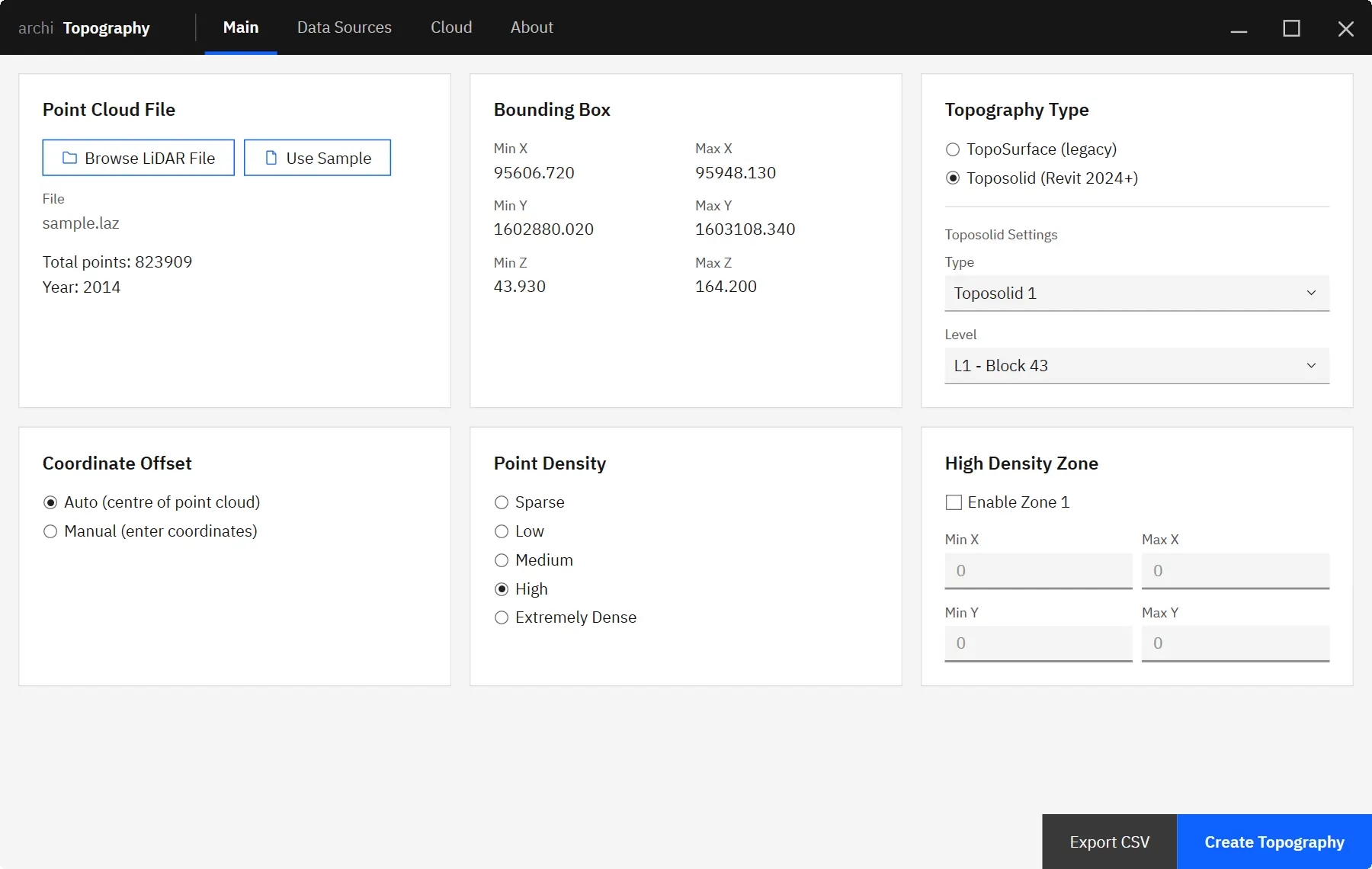
| Lidar Topography | Site and terrain | Create terrain from LAS and LAZ point clouds | 14-day | ★ 5.0 (1) |
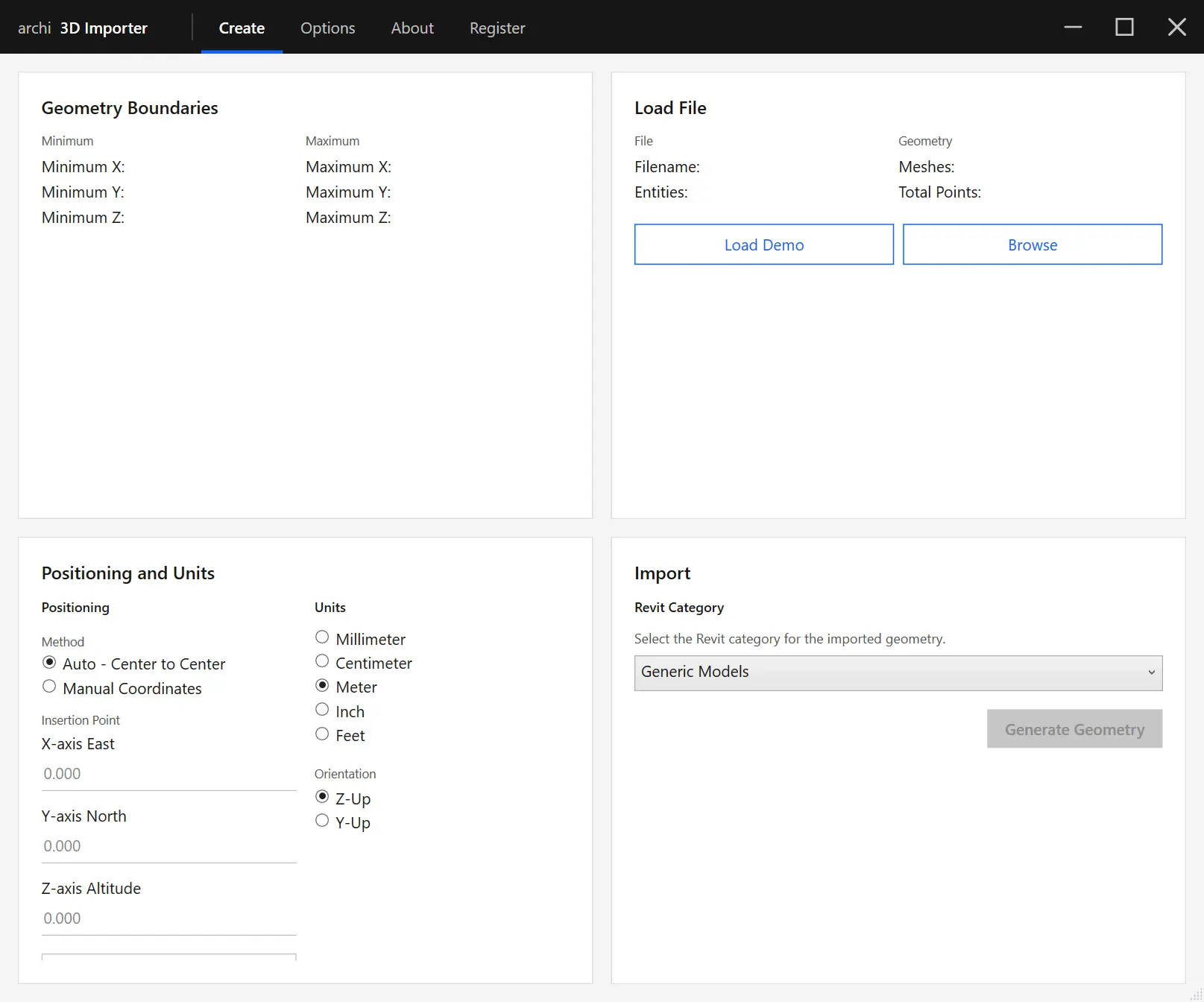
| Import 3D | Import and geometry | Import OBJ, DAE, GLTF and GLB as DirectShape | 14-day | ★ 5.0 (2) |
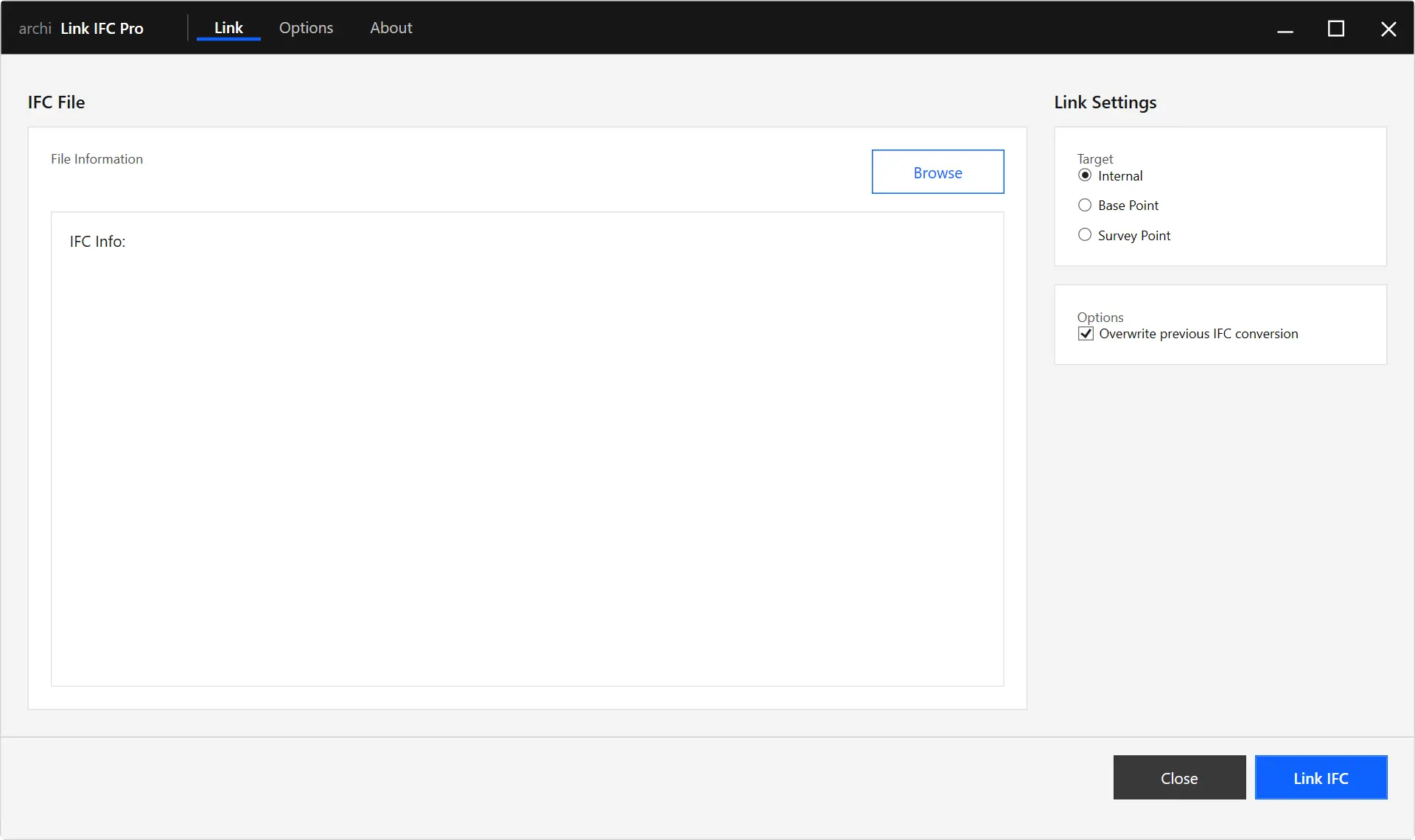
| Link IFC Pro | Coordination and interop | Link and align IFC files as references | 14-day | ★ 3.7 (3) |
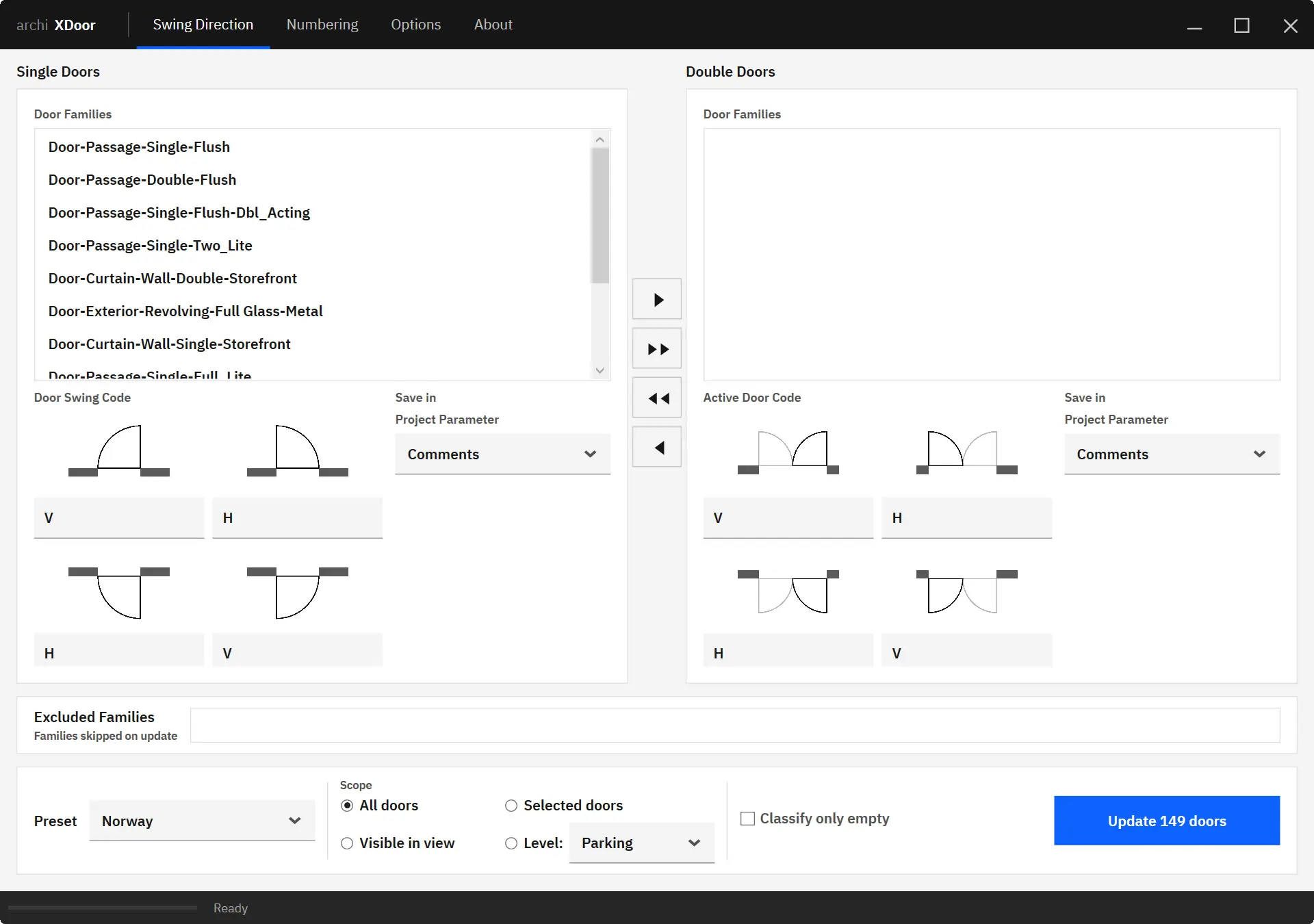
| XDoors | Modeling and data | Automate door swing codes and opening numbers | 14-day | ★ 5.0 (14) |
| Wall Type Schedule | Documentation | Create consistent wall type reports | 14-day | ★ 4.8 (8) |
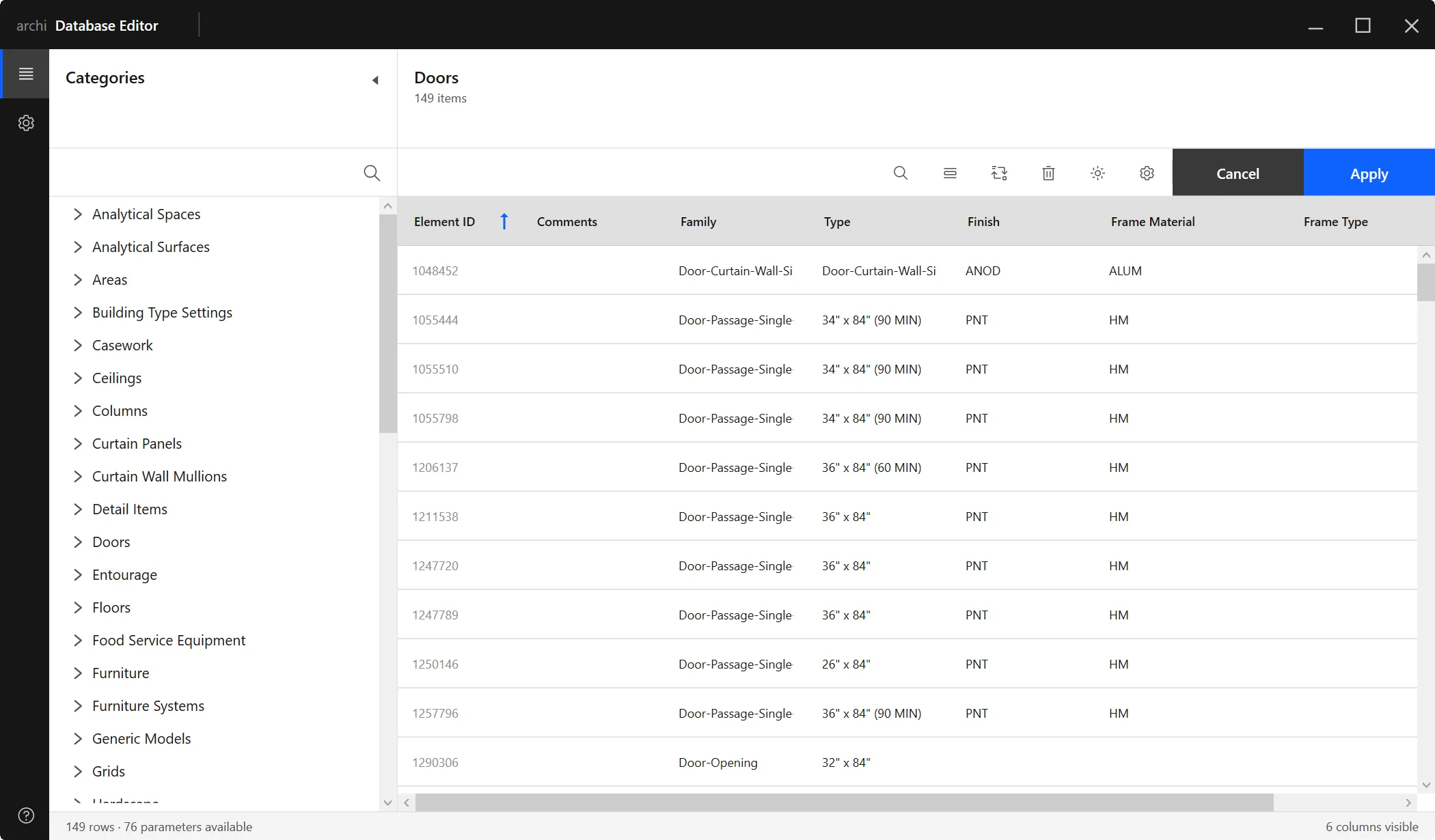
| Database Editor | Data and editing | Spreadsheet-style bulk data editing | 14-day | ★ 5.0 (17) |
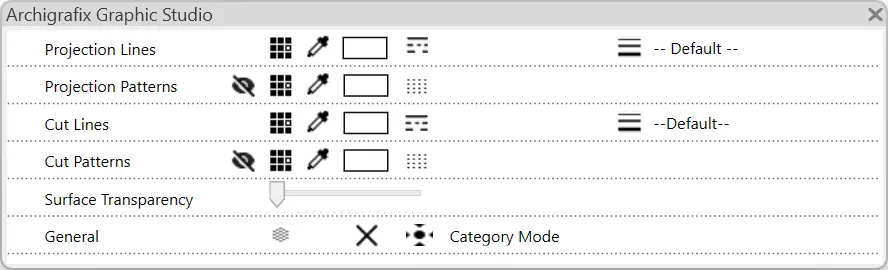
| Graphic Studio | Graphics and standards | Edit view graphics without repeated dialogs | 14-day | ★ 4.7 (9) |
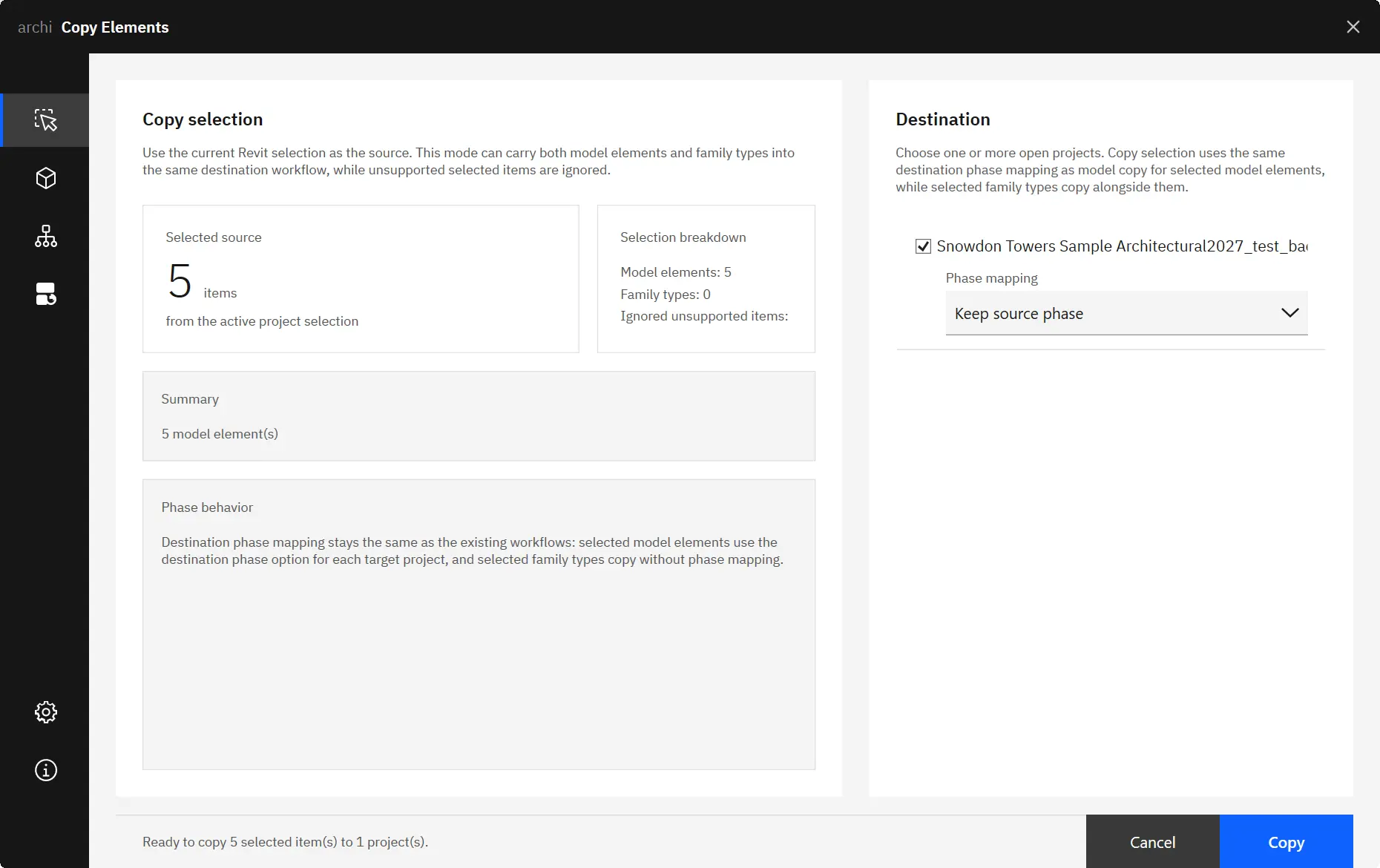
| Copy Elements | Productivity and editing | Transfer elements and family types between projects | 14-day | ★ 5.0 (2) |
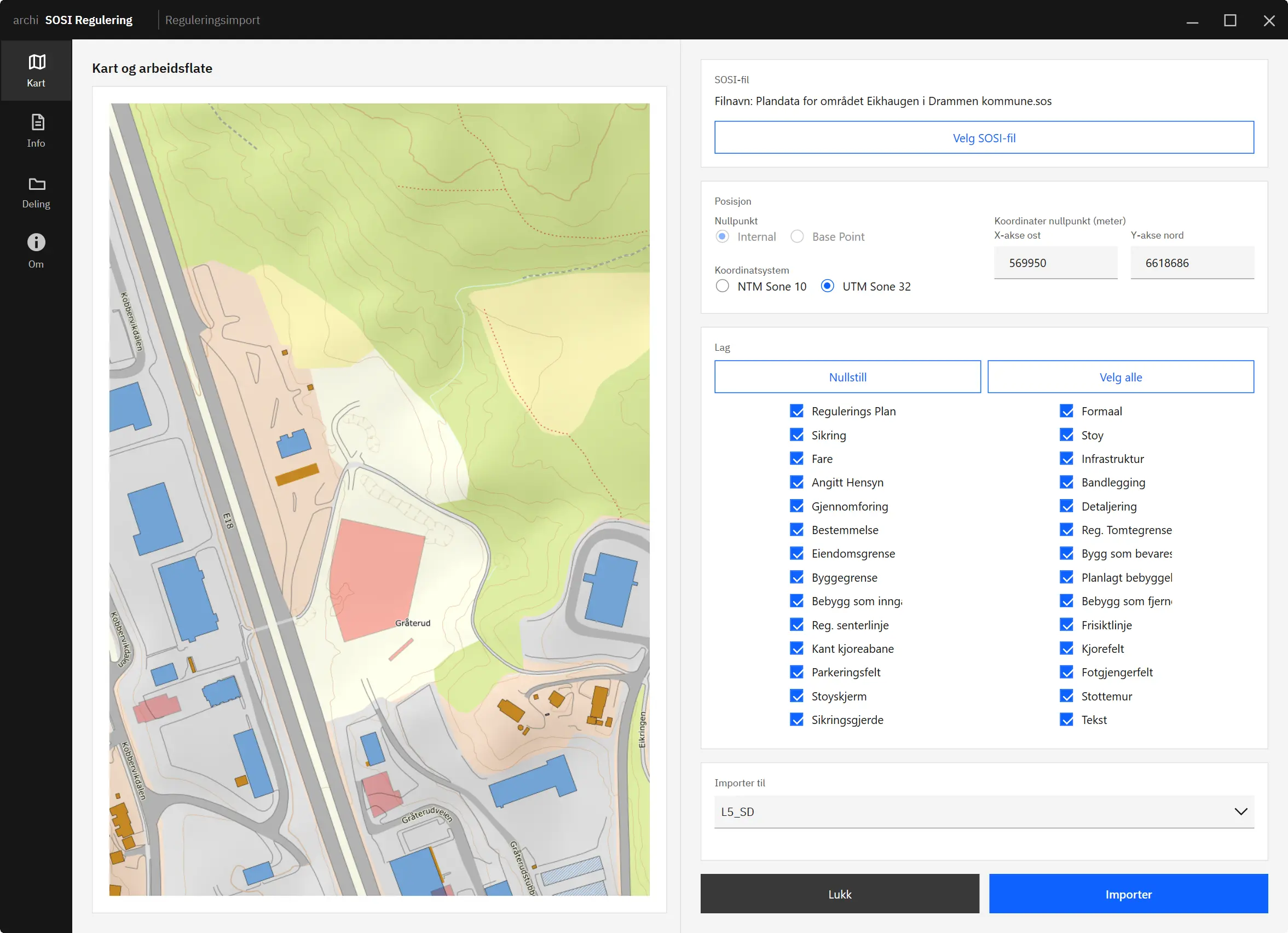
| SOSI Regulering | Site and regional | Import Norwegian SOSI zoning plans | 14-day | — |
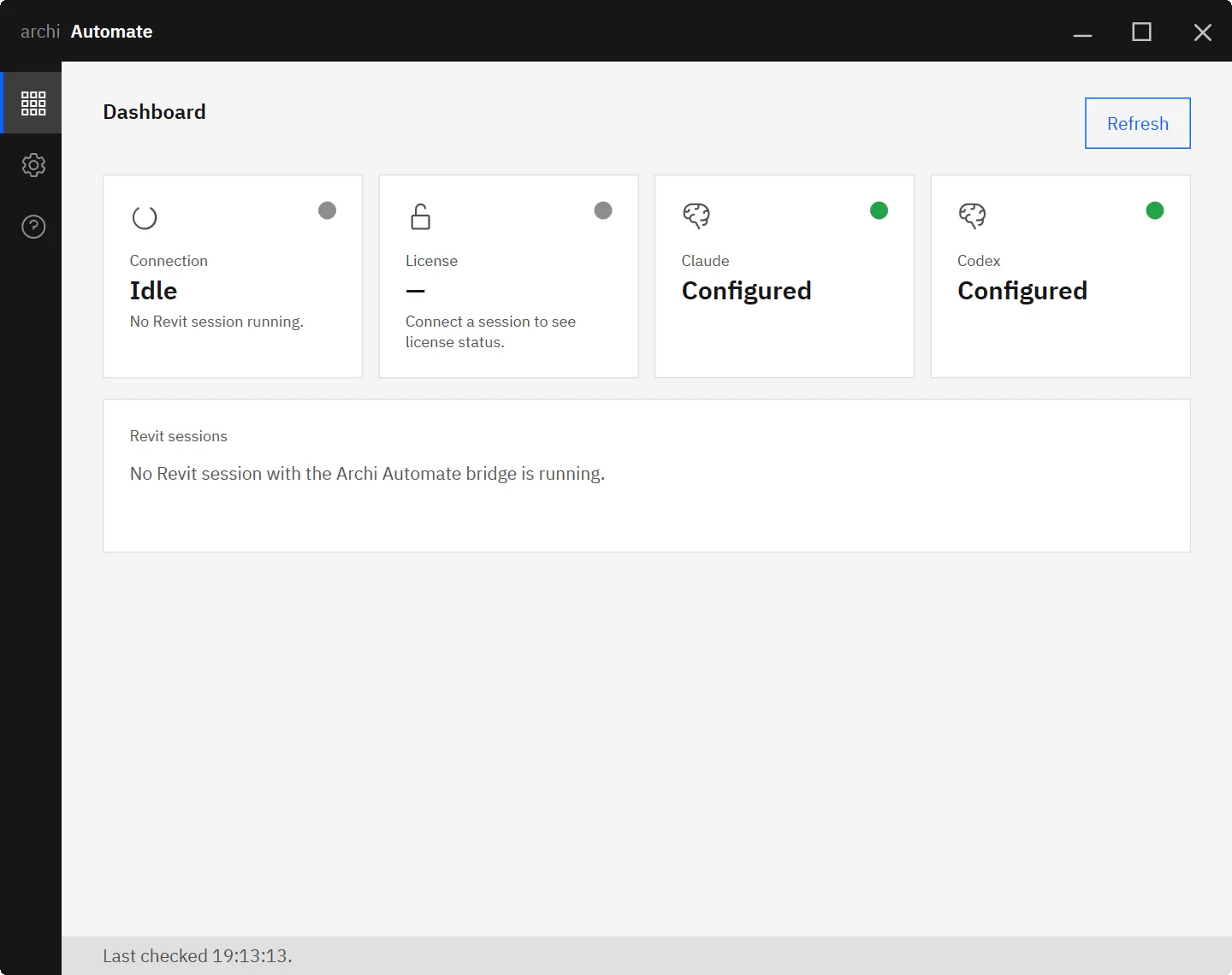
| Archi Automate | Coordination and utilities | Query, analyze and automate Revit models with AI | 14-day | — |
The first unrestricted Model Context Protocol server for Revit — connect Revit directly to AI agents and automation. Something no competitor offers. See the full toolkit while we finish it.
Browse the laptop previews, then click one to open the selected workflow video in a larger overlay. Videos never autoplay.
Worldwide usage
Currently used in 167 countries.
Stay Current with Archi Workflows


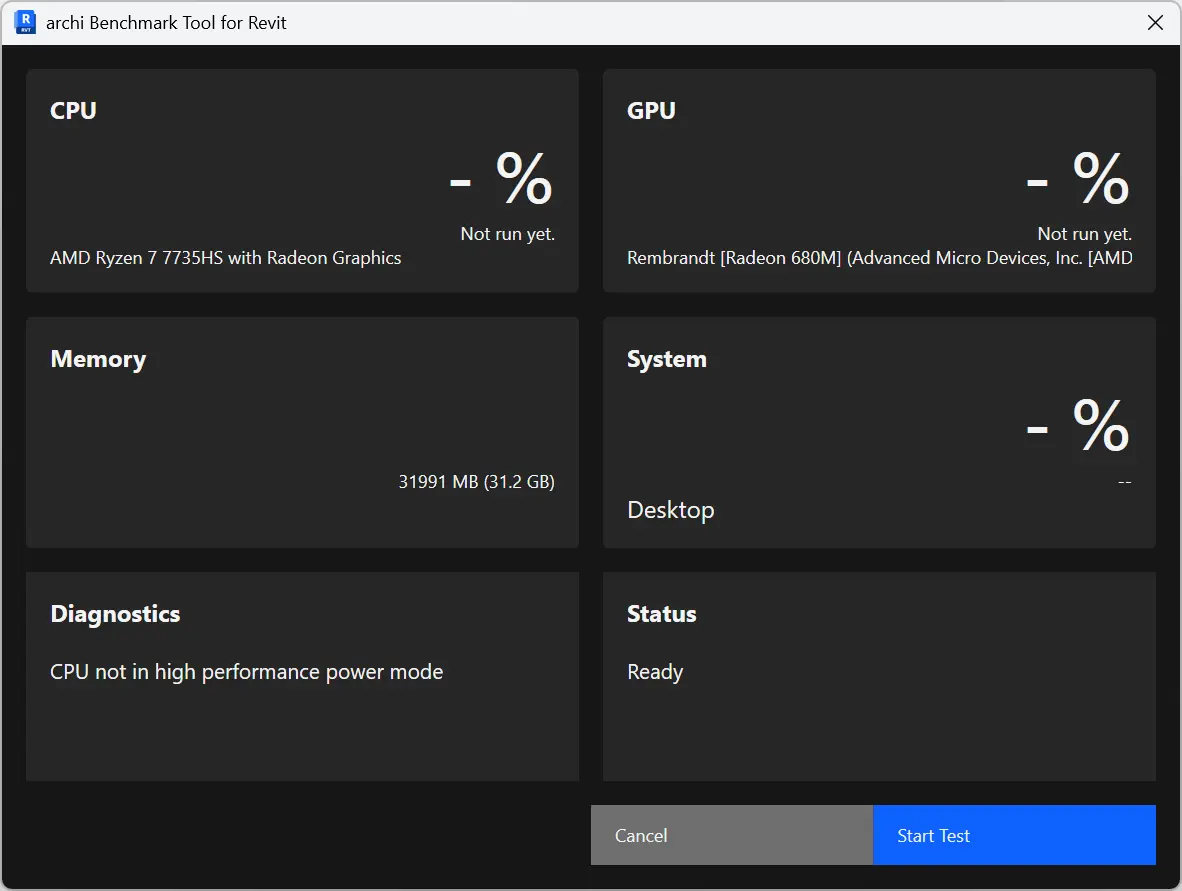
For October 2026, the top tested laptop for Revit remains the Intel(R) Core(TM) Ultra 9 275HX paired with the NVIDIA GeForce RTX 5080 Laptop GPU. It holds the same overall system lead as September 2026, while the CPU-only leader changed this month. Run the benchmark tool on your machine, then review the full laptop CPU rankings and laptop GPU rankings.

For October 2026, the recommended desktop pairing for Revit combines the current CPU leader, the AMD Ryzen 9 9950X 16-Core Processor, with the current GPU leader, the NVIDIA GeForce RTX 5070. This monthly desktop winner is a recommended build drawn from separate CPU and GPU rankings, not necessarily a single submitted benchmark system. See the full desktop CPU rankings, desktop GPU rankings, or run the benchmark tool on your own machine.
Trusted by leading customers
Yes. Every Archi plugin supports Autodesk Revit 2022 through 2027, and versions are updated with each new Revit release.
Yes. Every plugin includes a fully functional 14-day trial with no credit card required.
Each Archi plugin ships with a guided installer that registers the add-in automatically, so it appears on the Revit ribbon the next time you launch Revit. Manuals and videos are included.
A single plugin targets one bottleneck. The Archi Collection bundle includes every tool under one subscription and renewal, which is better value for teams using more than one.
Yes. Both desktop and floating licenses are available, for individuals and for shared teams.
Archi Collection brings together archi's Revit workflow tools so your team can handle documentation, graphics, data editing, imports, coordination, and automation with better value than licensing plugins separately.