
A practical guide to what a Revit AI plugin can do, what to look for before you install one, and how MCP-powered automation differs from a traditional add-in.
A practical guide to what a Revit AI plugin can do, what to look for before you install one, and how MCP-powered automation differs from a traditional add-in.
A Revit AI agent reasons across steps and calls real tools against your live model, and Archi Automate runs it safely through MCP with read-only, dry-run, and unrestricted modes.
A fair, technical look at where pyRevit scripting wins, where MCP-powered AI agents help, and how the two work together.
MCP for Revit is the open protocol that lets an AI agent inspect and edit your live model through a controlled bridge instead of a fixed list of buttons.
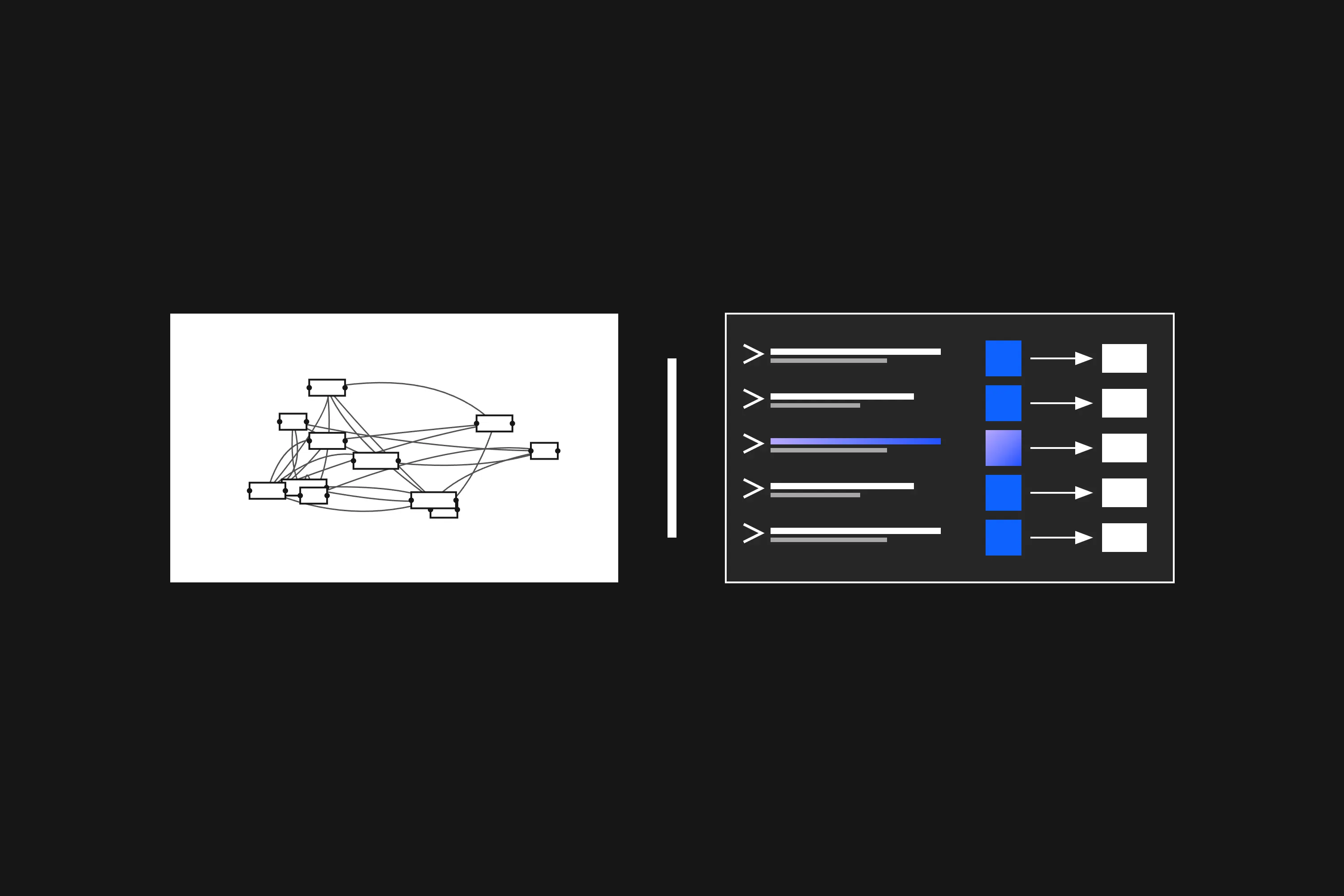
A balanced look at where Dynamo still wins, where AI automation helps, and how the two work together on real Revit projects.
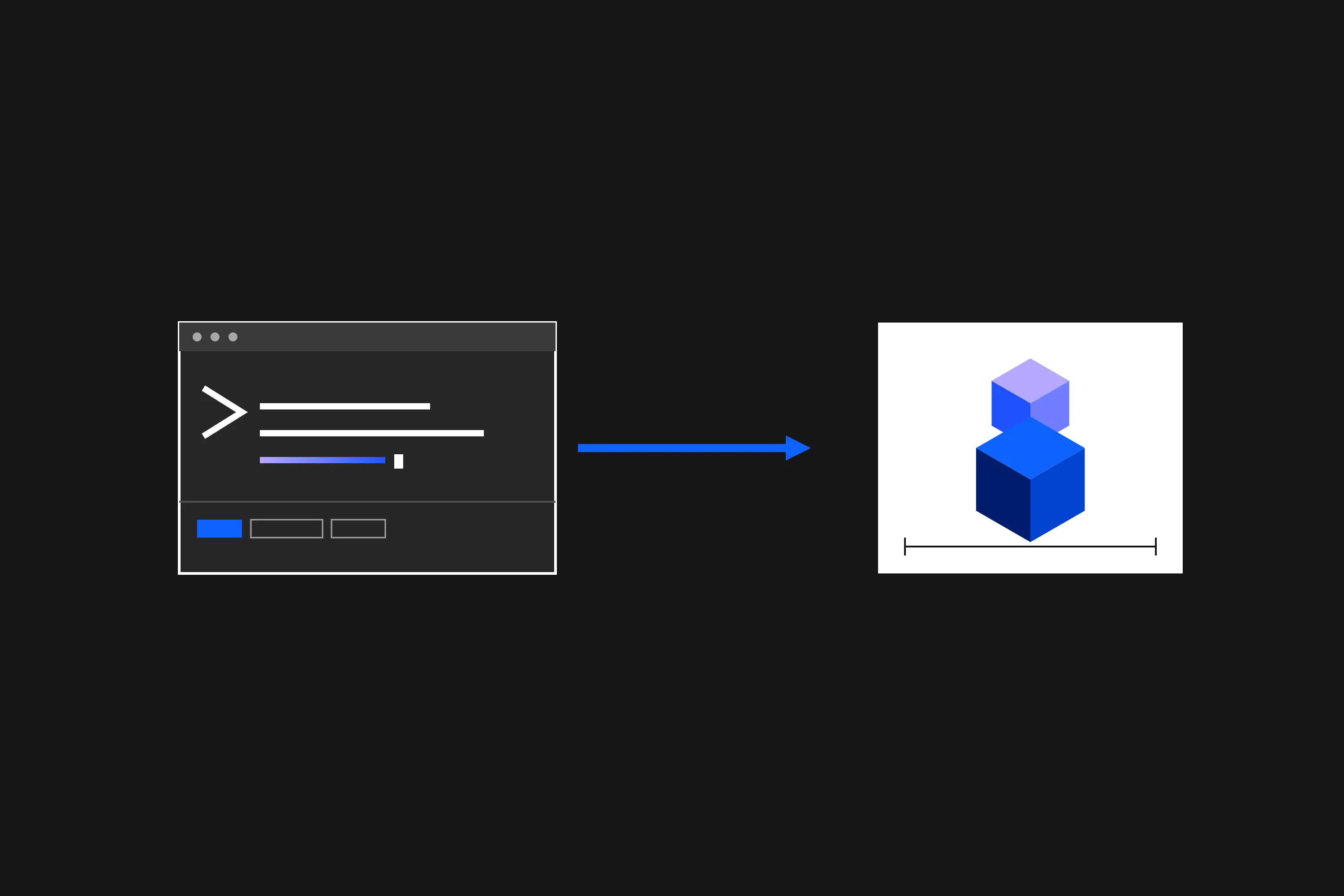
Type what you want done to your Revit model in plain English and watch it inspect, preview, and execute the change under your review.
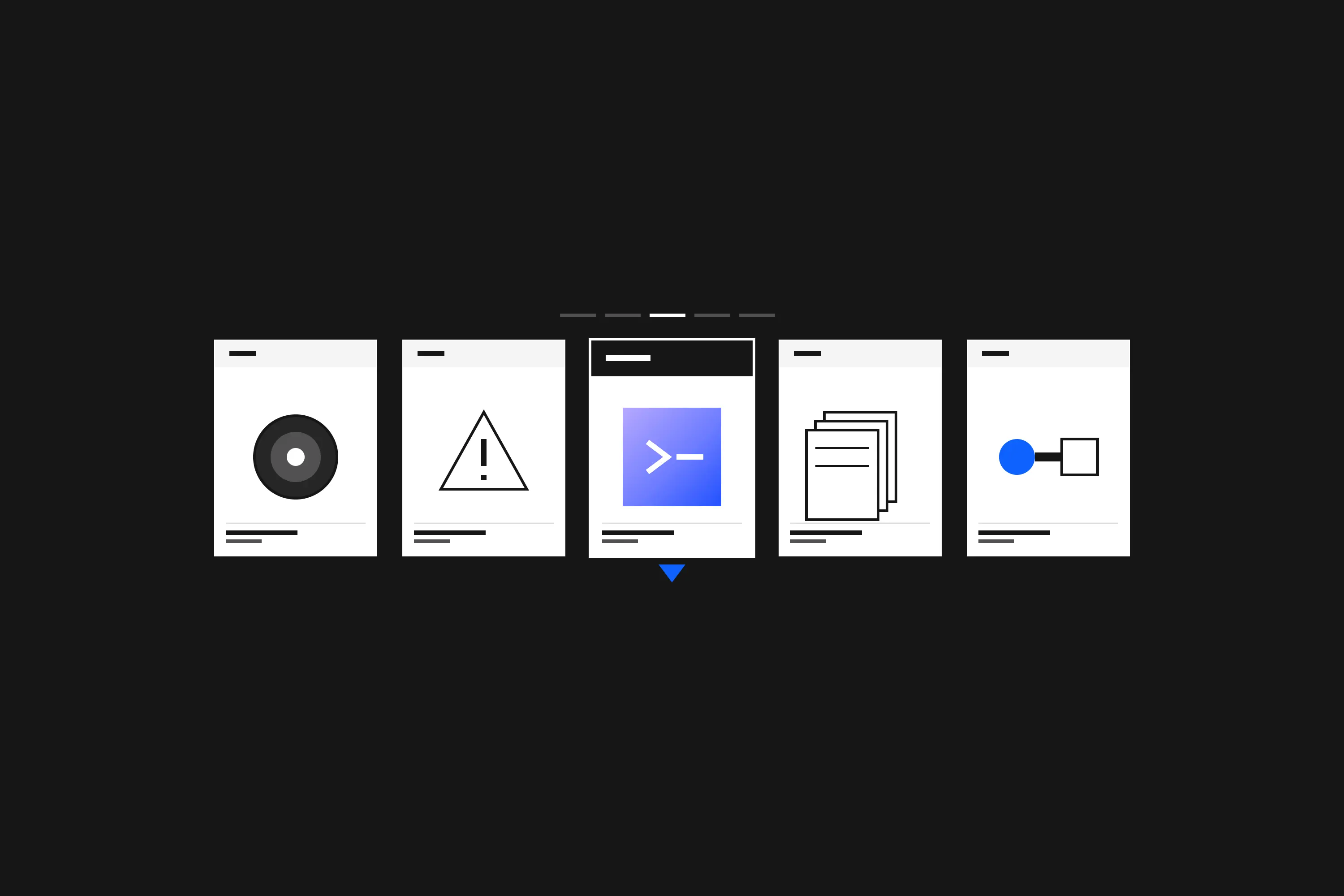
Revit AI is not one category — here is how automation, rendering, generative design, QA/QC, and MCP-powered agents actually differ, and how to choose.
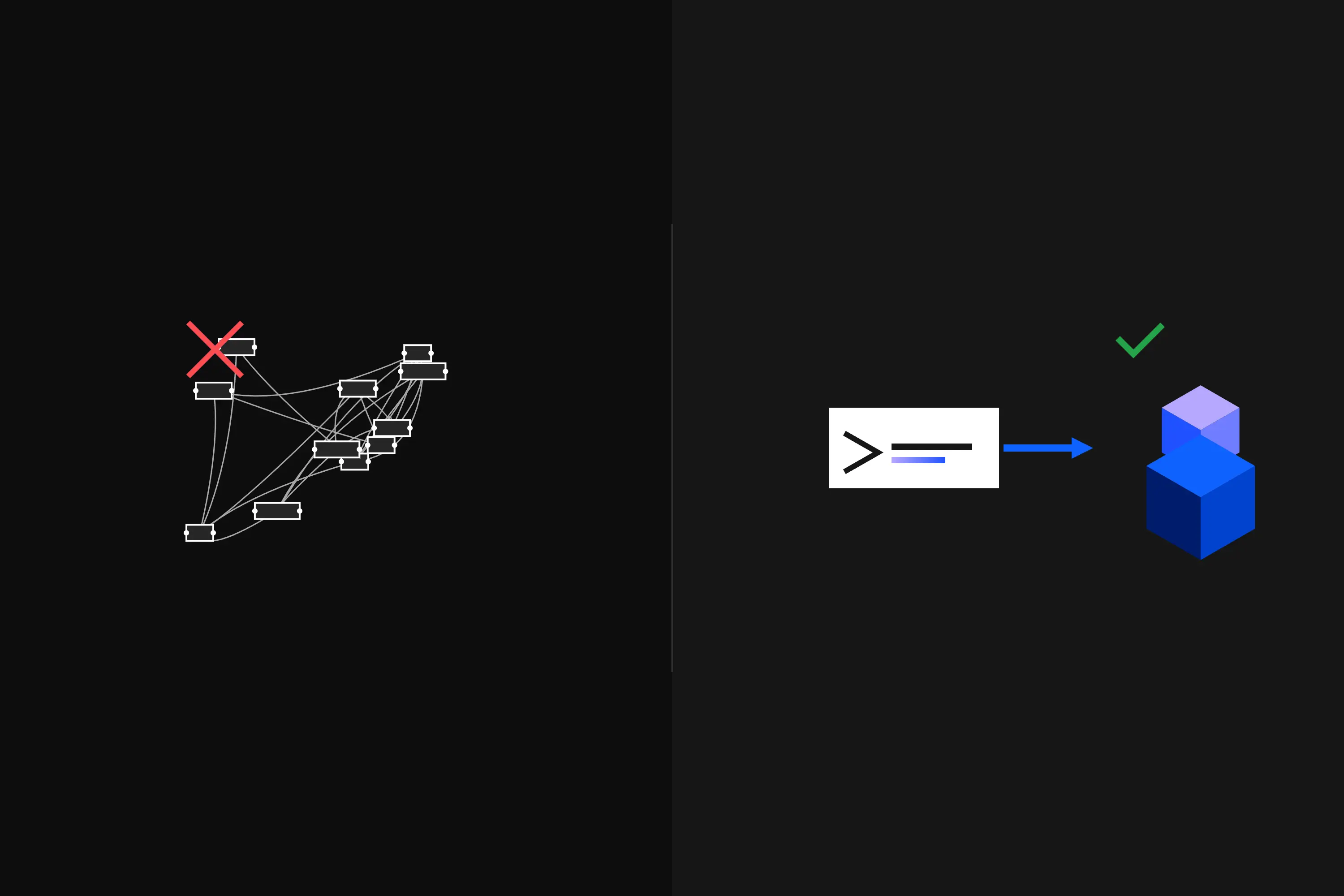
A practical guide to when Dynamo is the right tool, when it is overkill, and how AI automation covers the one-off Revit tasks that never got a graph.

See the official Revit 2027 system requirements and what they mean in real BIM work. Read the guide to compare Autodesk's specs with live CPU, GPU, RAM, and laptop benchmark data.

See the official Revit 2026 system requirements and what they mean in real BIM work. Read the guide to compare Autodesk's specs with live CPU, GPU, and laptop benchmark data.

Backups are not the issue. The real challenge is recovering selected lost model elements from an older Revit file without reverting the active project.

Revit can copy between projects, but production work often depends on the right view context. The real friction is selecting the right elements quickly, often in 3D or from a structured browser.