
From IDS Failures to BCF Issues in One Step

Short answer: With bcf_from_ids, Archi Automate validates your open IFC model against a buildingSMART IDS and, in the same call, turns every failed requirement into a BCF coordination topic — complete with an embedded snapshot and a matching camera — then writes a single .bcfzip your whole team can open. One step takes you from "what's wrong" to "here are the issues, with pictures, assigned to the right elements." No second tool, no manual screenshotting, no rekeying. Because it writes a file, it runs only in Allow-changes mode.
This is the join that openBIM quality assurance has always been missing: the moment a check fails, the issue is already a shareable, trackable coordination item.
The gap between QA and coordination
On most projects, two things happen on different days, in different tools, run by different people. First, someone validates the model: they check whether the data meets the project's requirements — are the fire ratings present, do the spaces carry the right classification, are the loadbearing flags set, do the components have the IDs the downstream team needs? When the requirements are written as a buildingSMART IDS (Information Delivery Specification), this validation is machine-readable and repeatable. You get a report: pass, fail, fail, pass, fail.
Then, separately, someone has to do something about the failures. That means opening a coordination tool, creating issues one by one, describing each problem, navigating the model to the offending element, taking a screenshot, and writing down enough context that the modeler who picks it up tomorrow can find the same wall, door, or duct. This is the BCF (BIM Collaboration Format) part — the open, vendor-neutral way teams track coordination issues so they survive across software and across firms.
The trouble is the seam in the middle. A validation report is a flat list; it doesn't assign anything, it doesn't point a camera anywhere, and it ages the moment the model changes. The work of converting "thirty-seven failed requirements" into "thirty-seven actionable, illustrated issues" is tedious, error-prone, and usually skipped under deadline. So failures get noticed but not coordinated — which is the worst of both worlds.
How one call closes it
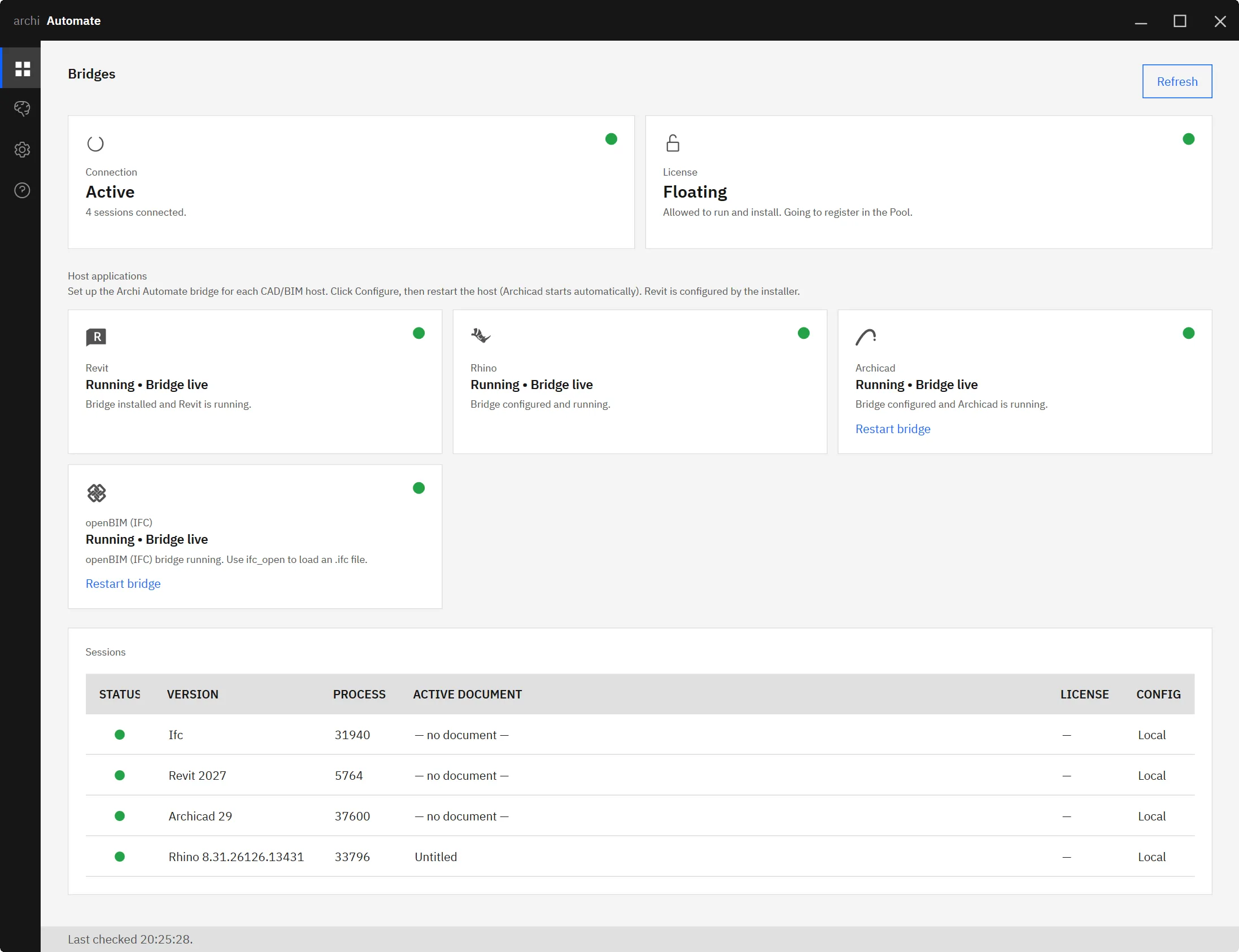
Archi Automate runs an openBIM connector that is fully headless: there is no CAD application and no license involved. The open IFC file (or a federation of them) is the session, and the connector is schema-agnostic across IFC2x3, IFC4, IFC4x1, and IFC4x3, so it works on IFC exported from any tool. Your AI client — Claude, Codex, Cursor, VS Code, Windsurf, or any MCP client — talks to that connector over MCP and composes governed operations at runtime against the model that is open right now.
Inside that session, bcf_from_ids does the whole arc in a single operation:
- Validate against the IDS. The model is checked against your buildingSMART IDS — the same machine-readable data-requirements spec you'd use for any IDS run. Every requirement is evaluated against the elements it applies to.
- One BCF topic per failure. For every failed requirement, the call creates a BCF coordination topic that references the specific non-compliant elements. Not a summary line — a real issue tied to real GUIDs.
- Embedded snapshot plus a matching camera. Each topic carries a snapshot image baked into it and a viewpoint with camera coordinates aimed at the offending elements, so any BCF viewer opens straight to the problem.
- One
.bcfzipout. Everything is packaged into a standard.bcfzipfile the whole team can open in Solibri, BIMcollab, Navisworks, Autodesk® Revit®, Graphisoft Archicad®, and other BCF-aware tools.
The reason this can be a single step — rather than a pipeline you stitch together — is that IFC, IDS, and BCF all live inside the same connector, right next to the open model. The validator already knows which elements failed and where they are in space; producing a camera and a snapshot for each one is a continuation of the same operation, not a fresh round-trip through three separate applications.
Why "with pictures" matters
A coordination issue without a viewpoint is a scavenger hunt. "Wall on level 3 is missing its fire rating" describes a problem, but the person assigned to fix it still has to figure out which wall, on a level that might hold hundreds. They isolate, they orbit, they guess — and a five-minute fix becomes a twenty-minute search.
Because every topic bcf_from_ids creates carries both an embedded snapshot and a real camera viewpoint, the assignee double-clicks the issue and the model recenters on the exact element, framed the way the validation saw it. The picture is the proof; the camera is the shortcut. Multiply that across dozens of failures and the time saved is the difference between coordination that actually happens and coordination that gets deferred to "next week." Pictures also travel: a stakeholder who can't drive a model can still look at the snapshot in the BCF and understand the issue.
Hand off to any BIM tool
The output is deliberately vendor-neutral. BCF exists precisely so that an issue raised in one ecosystem can be resolved in another, and IDS exists so requirements aren't locked to a single vendor's checker. A .bcfzip from bcf_from_ids drops into the same issue trackers and model checkers your team already uses — Solibri, BIMcollab, Navisworks, Revit, Archicad — without anyone needing a copy of the tool that produced it. The modeler who remediates the failures never has to know the issues were generated automatically; to them it's just a well-formed BCF with clear viewpoints. That neutrality is what lets one person's automated QA pass feed straight into another firm's coordination workflow.
Where it sits in the full QA pipeline
On its own, bcf_from_ids is the bridge from validation to coordination. In context, it's one stage of a larger loop. Upstream, a model is exported to IFC and checked — see the Revit-to-IFC QA pipeline for how authored models become validated deliverables, and IFC IDS validation with AI for how the IDS checks themselves run. bcf_from_ids takes the failures from that validation and makes them coordinable. Downstream, those BCF topics drive the conversation — and once the model has been edited, you re-run the validation and watch the open issues close. Coupling automated QA directly to team coordination, with pictures, is what turns a one-off check into a living quality loop.
A note on safety
Writing a .bcfzip is a file write, so bcf_from_ids runs only when the connector is in Allow-changes mode. By default the connector is Read-only; there is also a Preview-changes mode for inspecting what an operation would do. Nothing is saved automatically, and every session is audited, so you always have a record of what was generated and when. In practice you stay in Read-only while you explore the model and switch to Allow-changes for the moment you want the .bcfzip on disk — a deliberate gate, not a default-open door.
Keep reading
- AI-driven BCF coordination
- IFC IDS validation with AI
- The Revit-to-IFC QA pipeline
- MCP for IFC and openBIM
- Edit and remediate IFC with AI
- IFC clash detection with AI
From IDS failures to BCF issues in one step means your validation results stop being a report nobody actions and start being a coordination set the team can open today. Try it on your own model with the 14-day trial — no key required — at Archi Automate: AI for AEC.











