
Federation-Aware Clash Detection on IFC with AI

Short answer: With Archi Automate you connect an AI client to vendor-neutral openBIM and run federation-aware clash detection straight on IFC. The ifc_federate operation opens your architectural, structural, and MEP IFC models as one session, ifc_clash finds hard interferences and soft clearance violations across disciplines, and you turn every result into BCF issues with embedded snapshots — no Autodesk® Navisworks®, no CAD application, and no model license required.
Why clash detection only works when models are federated
A clash is, by definition, a relationship between elements that belong to different disciplines. A duct collides with a beam. A sprinkler branch passes through a shear wall. A cable tray fights a structural brace for the same plenum. If you only ever look at one discipline model in isolation, none of these conflicts exist — each model is internally consistent and perfectly happy on its own. The conflicts only appear when the architectural, structural, and MEP models occupy the same coordinated space at the same time.
That is what federation gives you: a single coordinated view where every element from every contributing model is loaded together and can be tested against every other element. Without federation there is nothing to clash. This is why coordination workflows have always depended on a federated model, and why running clash detection on a lone IFC export rarely tells you anything useful.
The traditional path to that federated view runs through a dedicated coordination tool and a stack of proprietary appends. Archi Automate takes a different route. Its openBIM connector is headless — there is no CAD application to launch and no license to consume. An open IFC file or federation simply is the session, and your AI client drives the read, query, clash, and quantity operations against it directly.
Federating discipline IFCs into one session
The starting point is ifc_federate. You point it at several discipline IFC files — say ARCH.ifc, STRUCT.ifc, and MEP.ifc — and it opens them together as one federation. From that moment, every subsequent read, query, clash, or quantity takeoff spans all members of the federation at once. You are no longer asking questions of three separate files; you are asking questions of one coordinated whole.
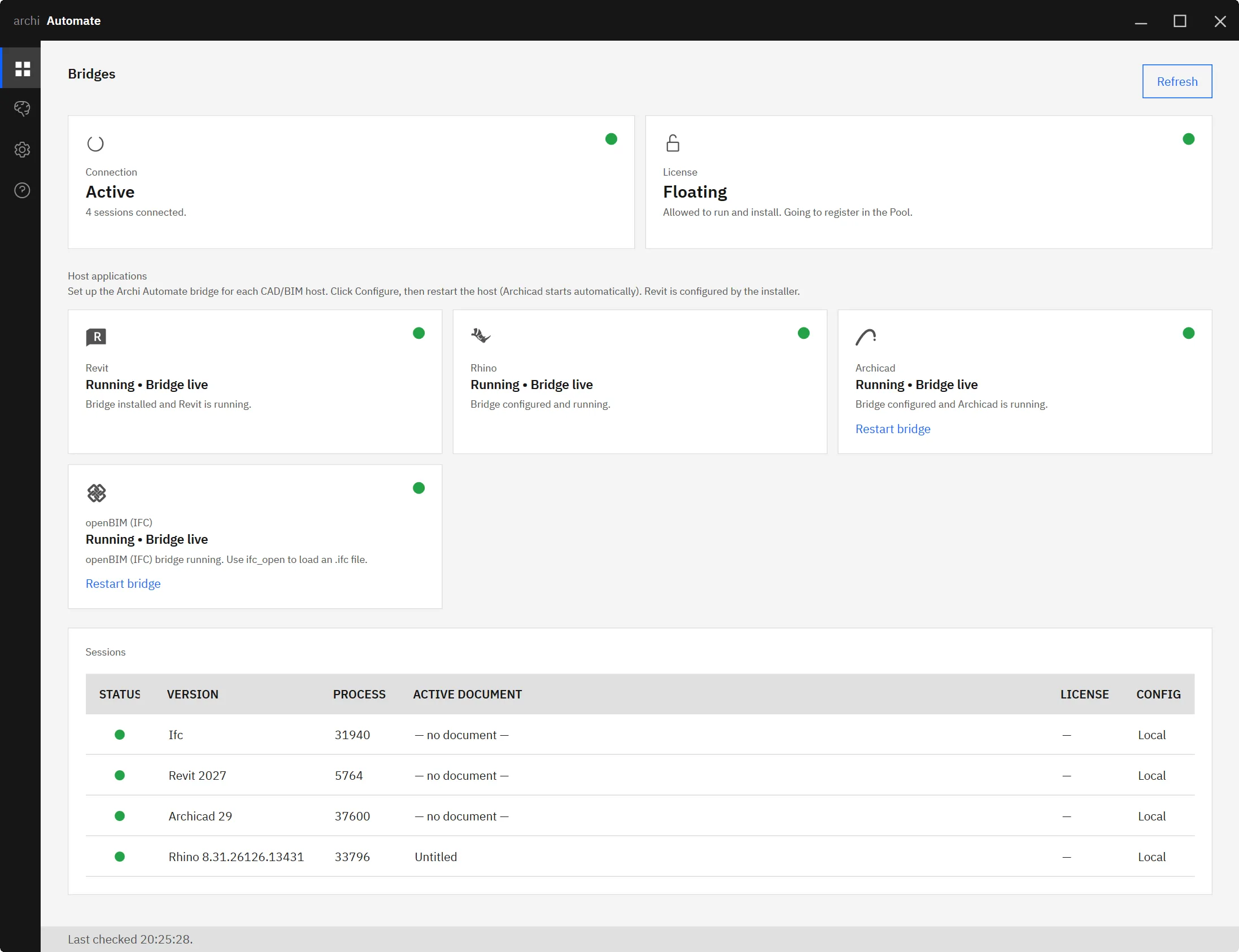
One requirement is worth stating plainly, because it is the most common reason a federation looks wrong: all members must already share a common world origin. Federation aligns models that are already in the same coordinate space — it does not re-georeference them. If your structural model was exported relative to a different project base point than your MEP model, federating them will stack the disciplines in the wrong place and produce a flood of meaningless clashes. Confirm that each exporting tool used the same shared coordinate system before you federate, and the rest of the workflow becomes reliable.
Because the connector is schema-agnostic, the IFC files can come from any authoring tool — Autodesk® Revit® 2025–2027, Rhino 8 (McNeel), Archicad 29 (Graphisoft), or anything else that writes valid IFC. The federation does not care which application produced each model, only that the geometry is present and the origins agree.
Hard interferences and soft clearance violations
Once the federation is open, ifc_clash performs the actual geometric clash detection, and it is federation-aware by design — it tests elements across discipline boundaries rather than within a single model. It distinguishes two fundamentally different kinds of conflict.
Hard clashes (interference)
A hard clash is a true solid-on-solid interference: two elements physically occupy the same space. The check is an exact solid boolean, and the result includes the overlap volume in cubic metres. That number matters more than a simple yes/no flag — a 0.002 m³ nick where a pipe grazes a flange is a very different problem from a 0.4 m³ collision where a duct runs clean through a column. The overlap volume lets you and the AI rank conflicts by severity instead of drowning in an undifferentiated list.
Soft clashes (clearance)
A soft clash is a clearance violation: two elements do not touch, but they sit closer than a required tolerance allows. Maintenance access around a valve, fireproofing offsets, insulation envelopes, and code-mandated separations are all soft-clash concerns. Here the question is not "do these overlap?" but "is there enough room between them?" — and the connector reports where that minimum clearance is breached.
| Clash type | What it detects | Reported measure | Typical use |
|---|---|---|---|
| Hard (interference) | Solids that physically overlap | Overlap volume in m³ | Duct through beam, pipe through wall |
| Soft (clearance) | Elements closer than a tolerance | Clearance distance violated | Maintenance access, insulation, code offsets |
Both checks require models that actually carry geometry. A reference IFC stripped down to properties and relationships has nothing to intersect, so make sure your discipline exports include solid representations.
From clashes to BCF coordination
Finding clashes is only half the job; the conflicts have to reach the people who can resolve them. That is where BCF — the BIM Collaboration Format — comes in. For each clash worth tracking, you author a BCF issue, and each issue carries an embedded snapshot showing the conflict in context. The AI client can describe the problem, reference the clashing elements, and attach the viewpoint so the recipient opens the issue already looking at the right spot in the model.
Once the issues are authored, you save them as a single .bcfzip file and hand it to the team. Because BCF is an open, vendor-neutral standard, that file imports into the coordination and authoring tools your collaborators already use — nobody needs Archi Automate installed to receive and act on the issues. If you want the deeper mechanics of issue authoring, the guide on AI-driven BCF coordination walks through it, and validating IFC straight to BCF in one step shows how validation findings flow into the same format.
Vendor-neutral, with no CAD application in the loop
The point worth underlining is how little you need running to do all of this. The whole sequence — federate, clash, author BCF, export — happens against IFC through the headless openBIM connector. There is no Autodesk® Navisworks®, no coordination seat, and no CAD application open in the background. You are not waiting on a model server to sync, and you are not consuming an authoring license to read geometry. An open IFC federation is the session, and the AI client composes governed operations at runtime over it.
This same connector is what powers related openBIM workflows: quantity takeoff on IFC with AI runs over the same federation, and IDS validation on IFC uses the same headless read path to check models against information-delivery specifications. The Model Context Protocol (MCP) ties them together; if you want the foundations, see MCP for IFC and openBIM.
Safety: nothing changes unless you allow it
Clash detection is inherently a read operation, and Archi Automate's guardrails reflect that. Sessions default to Read only, which is all federation, clashing, and querying require. When an operation would alter something, you move deliberately to Preview to see what would happen, and then to Allow changes to let it through. Every action is audited, so there is a clear record of what the AI did and when. You stay in control of the boundary between "show me the conflicts" and "modify the model."
Where to go next
Federation-aware clash detection is one of the most immediate payoffs of connecting an AI client to openBIM, because it turns a multi-tool coordination ritual into a few governed operations over IFC. To get the AI side connected, the walkthrough on connecting Claude to your AEC tools covers setup end to end.
Ready to run cross-discipline clash detection on your own federations? Start your 14-day free trial — one Windows installer, no key required, and your first federated clash report is minutes away.











