
AI Quantity Take-off (QTO) from IFC

Short answer: You can generate a quantity take-off straight from an IFC model by asking an AI client in plain language for counts and volumes by element type and material. Archi Automate's ifc_quantities operation reads the model headlessly, returns a bill of quantities organised by IFC type and material, includes both geometry-derived volumes and the authored IFC base quantities (Qtos), and spans every federated discipline model at once — all read-only.
What "quantity take-off from IFC" actually means
Quantity take-off (QTO) is the process of measuring and counting what a building is made of: how many doors, how many cubic metres of concrete, how much insulation by area, how many linear metres of pipe. Traditionally this is a slow, error-prone manual job — someone exports schedules from the authoring tool, copies them into a spreadsheet, and reconciles units by hand. When the model changes, the whole exercise repeats.
openBIM QTO does the same job but works from the neutral IFC file rather than a proprietary model. That matters because the IFC schema already carries structured quantity data: element classifications (IfcWall, IfcSlab, IfcDoor, and so on), material assignments, and dedicated base quantities (the IFC "Qtos" — authored values like NetVolume, GrossArea, or Length). A good QTO engine reads all of that without needing to open the CAD application that produced the file.
Ask for a take-off in plain language
With Archi Automate connecting your AI client to openBIM, you don't write queries — you describe what you want. A prompt like "Give me a bill of quantities for the structural model, grouped by element type and material, with counts and volumes" triggers the ifc_quantities operation. It walks the model, buckets every element by its IFC type and assigned material, and returns counts plus geometry-derived volume for each bucket.
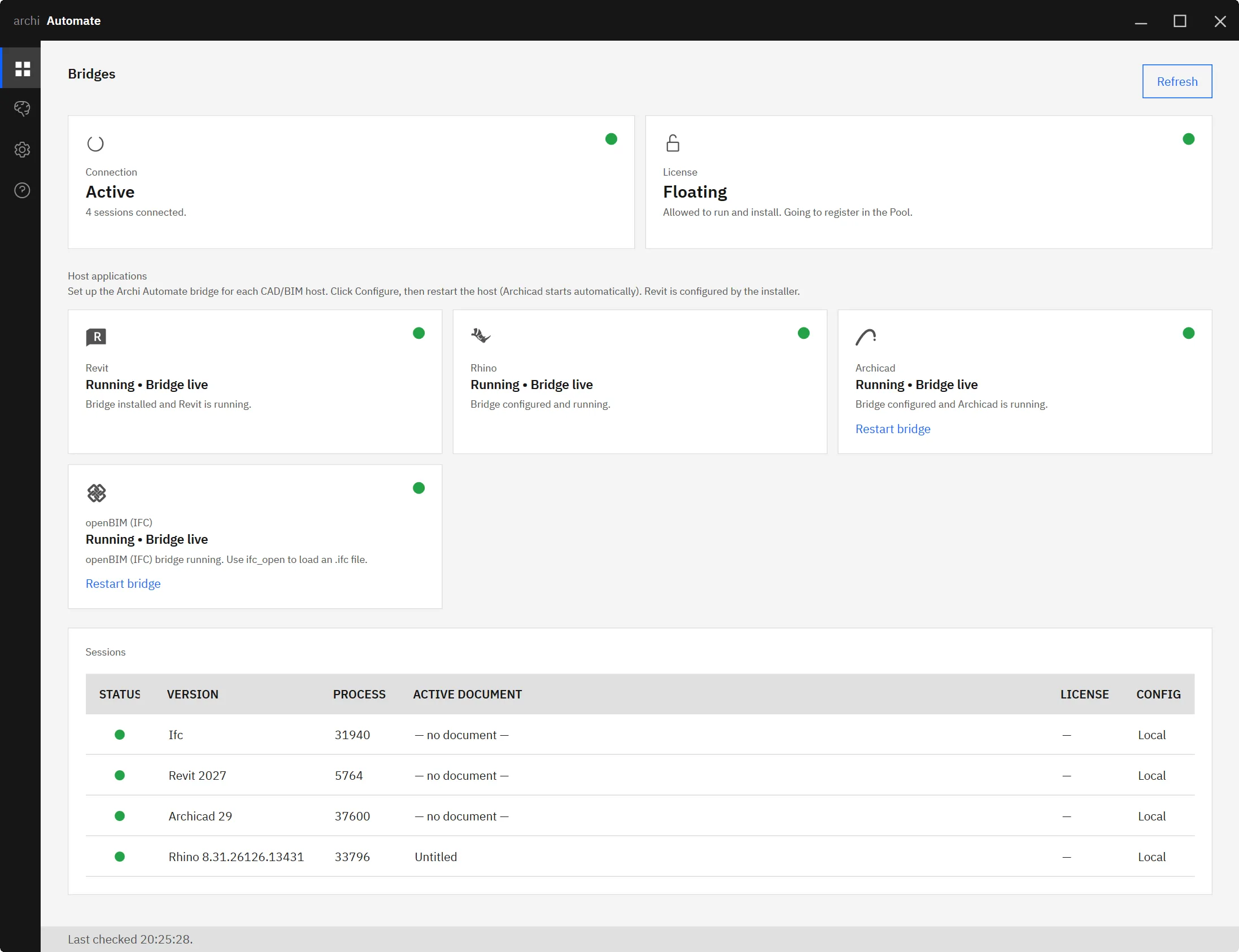
Because the operation is governed and read-only, it inspects the model and reports — it never edits geometry or data. The output is a clean, structured table you can hand to estimating, paste into a cost plan, or feed forward into handover deliverables. Need a different cut? Ask again: by storey, by discipline, by a specific material. The model is the single source of truth, so every cut stays consistent.
Geometry volume vs authored base quantities
This is where AI-assisted QTO earns its keep. ifc_quantities reports two things side by side for each element group:
- Geometry-derived volume — computed from the actual solid geometry in the model.
- Authored IFC base quantities (Qtos) — the quantity values that the authoring tool wrote into the IFC file.
In a perfectly authored model these agree. In real projects they frequently don't. A wall type might carry no authored NetVolume; a slab's authored area might lag a geometry change; a whole discipline might ship with base quantities switched off in the export settings. By comparing the two columns, you immediately see where authored data is missing or inconsistent.
That comparison is a quiet form of QC. If your estimator is about to price 4,000 cubic metres of concrete off authored quantities that only cover half the slabs, you want to know before the number goes into a tender — not after. Putting geometry and authored quantities next to each other turns a silent data gap into a visible flag.
| Column | Source | Use |
|---|---|---|
| Count | Element instances by type | Door/fixture schedules, fittings |
| Geometry volume | Derived from solids | Ground-truth for concrete, steel, finishes |
| Base quantities (Qtos) | Authored in IFC | Trusts the modeller's intent; flags gaps when it diverges |
Federation-aware: the whole project, not one file
Buildings aren't modelled in one file. Architecture, structure, and MEP each live in their own IFC, and a meaningful take-off has to span all of them. ifc_quantities is federation-aware: point it at a set of federated discipline models and it produces one consolidated bill of quantities across the whole project, while still letting you slice by discipline.
That removes a classic source of error — manually merging separate take-offs from separate exports and hoping nothing was double-counted or dropped. The connector federates the models and reports against the combined picture. If you want to dig into clashes between those same federated disciplines, that pairs naturally with AI-assisted IFC clash detection.
Feeding estimating, cost, and handover
A take-off is rarely the end goal — it's an input. The structured output of ifc_quantities flows directly into:
- Cost and estimating — counts and volumes by type and material map cleanly onto rate libraries and cost codes.
- Carbon assessment — material volumes are exactly what an embodied carbon analysis from IFC needs to multiply by emission factors.
- Handover — quantities and asset counts populate downstream deliverables, including IFC-to-COBie handover data sets.
Because the AI client orchestrates the workflow, you can chain these in one conversation: take off, then check for missing data, then export the cut your cost team needs. And if you want confidence the model is fit for any of this in the first place, run an IFC/IDS validation pass first so required properties and classifications are present before you measure.
Vendor-neutral, no CAD application required
The openBIM connector is headless. It works directly on the IFC produced by any tool — Autodesk® Revit® 2025–2027, Rhino 8 (McNeel), Archicad 29 (Graphisoft), or anything else that exports valid IFC — with no CAD application open and no authoring licence consumed. It's schema-agnostic, so it handles the IFC versions you're likely to receive, and it can federate multiple models for a project-wide view.
Archi Automate composes these governed operations at runtime and connects your AI client of choice — Claude, OpenAI Codex, Cursor, VS Code, Windsurf, Antigravity, Gemini CLI, Cline, or any MCP client — to your BIM data over MCP. Everything ships in one Windows installer with a 14-day trial and no key required. Guardrails are built in: the default posture is read-only, a Preview step shows intended actions, and an explicit Allow-changes mode gates anything that writes — with the whole session audited. QTO itself only ever reads. To understand the plumbing, see how to use MCP for IFC and openBIM or simply connect Claude to your AEC tools.
Ready to turn IFC models into instant, federation-aware quantity take-offs? Explore Archi Automate — AI for AEC and start your trial.











