
Pull Real-World Site Context into Your Model (Open Data)

Short answer: With Archi Automate (Archi Automate, "AI for AEC"), the ifc_site_context operation geocodes a street address, pulls surrounding building footprints and approximate heights from public open data within a radius you choose, and can extrude them into a georeferenced context-massing scene so your sun studies and 3D viewer sit in their real neighbourhood. It is the one model-path feature that reaches the internet, and it sends only a location, never your model.
Most early-stage design decisions are really decisions about the things you did not draw. The building next door casts the shadow that kills your south-facing terrace. The taller block across the street steals the view you were selling. The gap in the row defines whether your massing reads as infill or intrusion. Yet most of us model these neighbours by hand, badly, or skip them entirely and hope the planning officer agrees. Pulling real-world site context into your BIM model closes that gap, and open data makes it fast.
Why surrounding context changes the answer
A massing study without neighbours is a massing study of a building floating in a void. The moment you place surrounding buildings massing around your proposal, three questions become answerable instead of speculative:
- Shadows and daylight. Overshadowing analysis is meaningless without the neighbour buildings shadow volumes that actually fall across your site at 9am in December. The block to your south-east is the one doing the damage, not your own form.
- Views and overlooking. Whether a window has a view, or looks straight into a facade twelve metres away, depends entirely on what is already built around it.
- Massing and fit. Planning committees ask how a proposal sits in its street. A context model built from open data lets you answer with geometry instead of adjectives.
The catch has always been the labour. Tracing footprints from a survey, guessing storey counts, and georeferencing the result is an afternoon nobody budgets for. That is the part Archi Automate automates.
Geocode an address, pull neighbour footprints from public open data
You ask your AI client, in plain language, for the context around a site. Behind that request, Archi Automate composes governed operations at runtime and calls ifc_site_context. The operation geocodes the address you give it into coordinates, then queries public open data for the building footprints inside a radius you set, say 150 or 300 metres. Each footprint comes back with an approximate height or storey count where the public data records one.
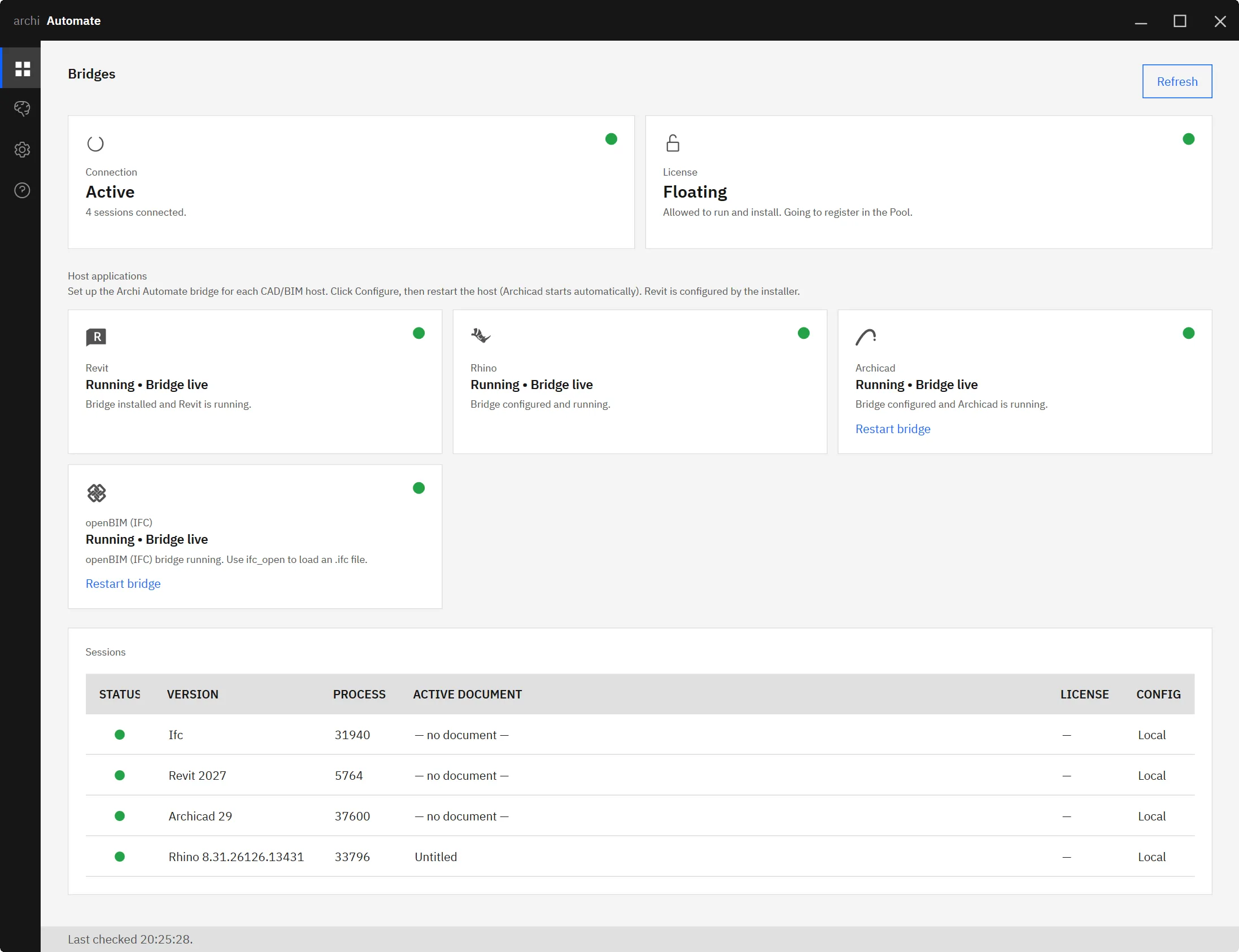
Because this runs through the openBIM (IFC, IDS, BCF) connector, it is headless. There is no CAD application open, no Revit, Rhino, or Archicad licence consumed, no GUI to babysit. You get a structured set of georeferenced context footprints you can inspect before doing anything with them.
A useful habit is to start with a modest radius and widen it. The buildings that matter for shadows and views are usually the near neighbours; pulling half a square kilometre of footprints just to study one terrace is noise. You stay in control of how much context you bring in.
Extrude into a georeferenced context massing
Footprints alone are a map. The value comes when you turn them into volume. ifc_site_context can optionally extrude the footprints to their recorded heights and write a georeferenced context-massing scene.glb, a lightweight 3D mesh of the surrounding blocks positioned in real-world coordinates.
That single file then feeds two of the most useful downstream tools in the kit. Drop it into the AI-driven solar access study and your overshadowing analysis finally includes the buildings that actually cast the shadows. Load it into the AI BIM 3D viewer and your proposal appears inside its street rather than on a blank plane. Because the massing is georeferenced, your design and its context share one coordinate system, so nothing drifts when you bring them together.
The same georeferenced output is equally at home in an AR walkthrough exported to USDZ, where seeing a proposal at full scale among real neighbours is far more persuasive than a model on its own.
What leaves your machine: a location, and nothing else
This is the one model-path feature in Archi Automate that touches the internet, so it deserves a clear privacy note. The only thing ifc_site_context sends out is a location, the address or coordinates you asked about. It reads public open data back. No part of your model, your geometry, your IFC, or your project files is uploaded anywhere. The footprints come to you; your design never leaves.
Everything else stays on the standard guardrails. Archi Automate is read-only by default, so pulling and inspecting context needs no special permission. Writing the context-massing scene.glb to disk is a change, so it only happens once you grant Allow changes for that step. Every operation is audited, and nothing is auto-saved without your say-so. The openBIM connector being headless means none of this disturbs an open CAD session, because there is not one.
Honest limits
Two things to set expectations on. First, footprint heights from public open data are approximate. Some records carry a measured height, many carry a storey count that is converted to a height, and a few carry nothing and fall back to a default. For early massing, shadow envelopes, and view checks this is genuinely useful; for a metric you will defend in a planning hearing, verify the critical neighbours against a survey. Second, terrain is not in yet. The context massing assumes a flat datum, so a steeply sloping site will not be reproduced. Digital elevation model (DEM) support is a tracked follow-up, not something the tool does today. Knowing both limits up front is what keeps the output trustworthy.
Bringing it together
The workflow is short by design. Geocode an address, pull surrounding footprints from public open data, extrude them into a georeferenced context massing, then run a sun study and review the result in the 3D viewer, all driven from your AI client in plain language. If you want to wire this into your own assistant, the guide to connecting Claude to your AEC stack covers the setup end to end.
One Windows installer, a 14-day trial, and no licence key to chase. See how Archi Automate brings AI to AEC and pull your first context model this afternoon.











