
Bring Your BIM Model into AR (USDZ)

Short answer: Augmented reality lets anyone stand inside or beside your building before it exists. With Archi Automate (AI for AEC), the ifc_export_usdz operation turns any IFC model into a USDZ file for Apple AR Quick Look (iPhone, iPad, Apple Vision Pro) and web AR. The model appears at true scale, anchored to the floor, so clients and community members can walk around it - no CAD app, no training, just a tap or a QR code.
For decades, communicating a BIM model meant flat renders, fly-through videos, or asking non-technical people to read a plan. Augmented reality changes the conversation. Instead of describing a four-metre cantilever, you let someone see it hover over the pavement at its real size. This post is about the AR experience and where it earns its keep. If you want the step-by-step conversion mechanics, the sibling guide on IFC to glTF and USDZ for AR covers the how-to in detail.
Why AR for BIM is different
Three things make augmented reality genuinely useful for building work rather than a novelty.
True scale. A USDZ placed through AR Quick Look is anchored in real-world metres. A doorway is a doorway you could walk through; a ceiling height is something you physically look up at. Drawings and screen renders are always abstract; an object standing on the actual floor in front of you is not.
Non-technical stakeholders. Clients, planning committees, ward councillors, and neighbours rarely read construction documents fluently. AR removes the literacy barrier entirely. If they can hold a phone, they can understand the proposal.
On-site context. Place the model on the real plot and you see how it meets the existing ground, how it sits against neighbouring buildings, where shadows might fall, and whether that promised view survives. It is the closest thing to standing in the finished building during design.
Export USDZ from your IFC
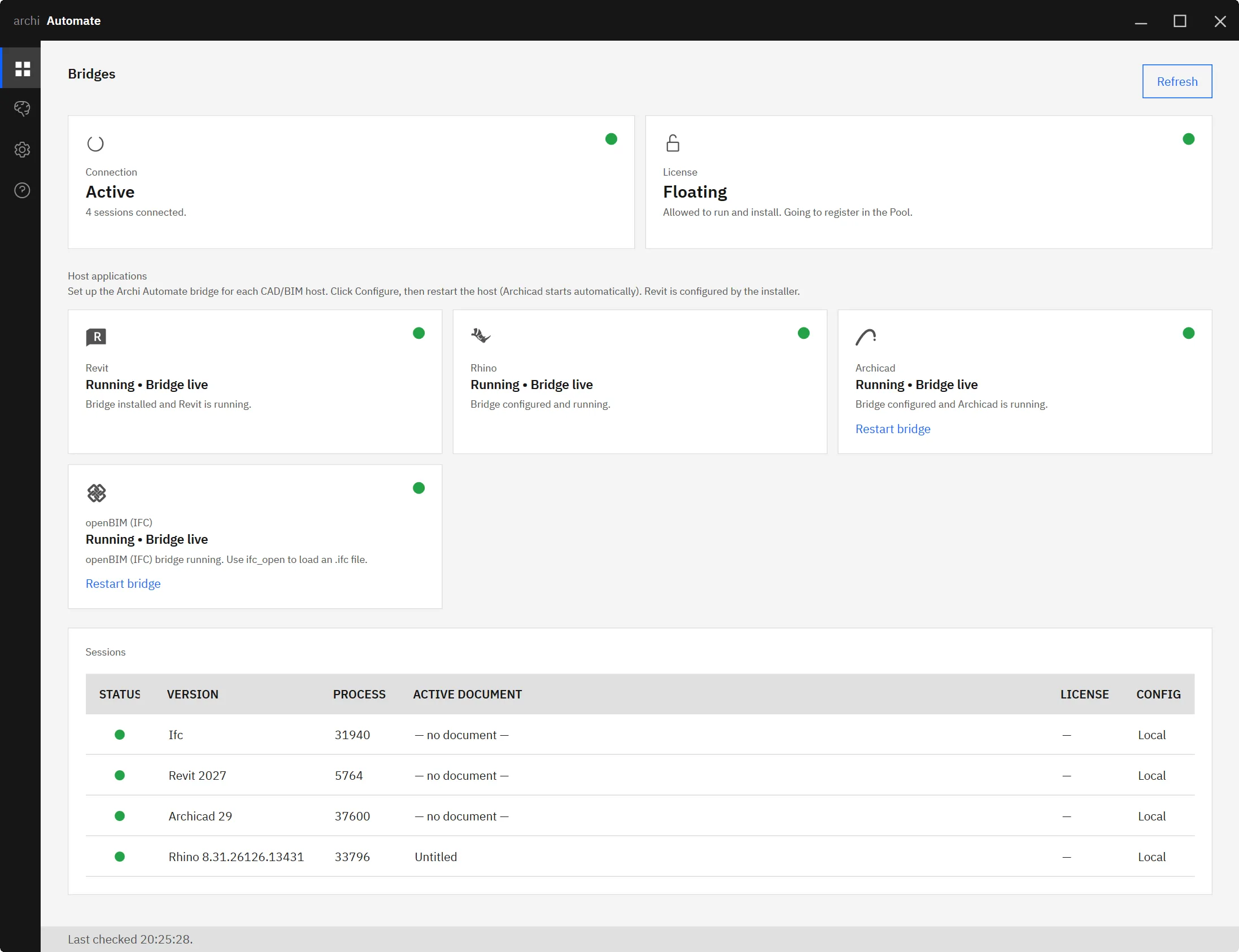
Archi Automate connects your AI client to the openBIM stack - IFC, IDS, and BCF - through MCP, and the openBIM connector is headless: it works directly on the IFC file from any tool, with no CAD application or licence required. You ask, in plain language, for an AR-ready export of your model, and the assistant composes governed operations at runtime to produce the file.
The ifc_export_usdz operation writes a USDZ tuned for AR Quick Look: Y-up orientation and metres as the unit, so the geometry lands at the correct true scale when it is placed. Because it reads standard IFC, it is genuinely vendor-neutral - the model can originate in Revit, Archicad, Rhino, or any authoring tool that exports IFC.
The receiving experience
Once the USDZ exists, sharing it is deliberately frictionless. On an iPhone or iPad, tapping the file opens it straight into AR Quick Look. Put the file behind a QR code on a poster, an email, or a site hoarding, and anyone can scan and launch it without installing anything.
From there the experience is physical. The model anchors to a detected floor or surface; you move your device and the building stays put as you walk around it, crouch to inspect a junction, or step back to take in the massing. Tabletop scale and life-size both work, depending on how you place it.
On Apple Vision Pro the same USDZ becomes a spatial object you view in your own room - useful for a design review where the team gathers around a model that simply exists in the space between them, no screen required. Web AR covers the audience members who are not on Apple hardware, with the AI BIM 3D viewer handling the in-browser side of the same model.
Where it earns its keep
Client presentations. Hand the client a phone in the meeting and let them place the proposal on the boardroom table. Decisions that used to take three rounds of renders happen in one sitting because everyone is looking at the same true-scale object.
Community consultation. Public meetings about new development are often tense precisely because people cannot picture what is coming. A QR code on a consultation board, leading to a building they can walk around on the real site, turns abstract anxiety into a concrete conversation about a real thing.
Design reviews. Bring non-technical decision-makers - a hospital matron, a school head, a heritage officer - into the review by letting them experience spaces rather than interpret sections. Pair it with site context from open data so the model sits in its real surroundings.
On-site visualisation. Stand on the plot with the model anchored where the building will go. Check sightlines, verify how the entrance meets the street, and catch context clashes that never show up on a screen.
Vendor-neutral, no CAD app needed
The point worth repeating: because the export runs on IFC through the headless openBIM connector, you do not need the original authoring application open, installed, or licensed to produce the AR file. A federated IFC assembled from several disciplines exports just as readily as a single-model one. If your AI workflow already speaks MCP for IFC and openBIM, USDZ export is simply another governed operation in the same conversation. The same is true once you connect Claude to your AEC tools.
A note on safety
Exporting a USDZ writes a file, so it falls under the Allow-changes guardrail. By default Archi Automate is read-only; file writes require you to enable Allow changes explicitly. Operations are audited, and nothing is auto-saved - the assistant produces the AR file when you ask and never silently alters your source model. You stay in control of what leaves the project and when.
Archi Automate ships as one Windows installer with a 14-day trial and no key required, so you can produce your first AR-ready building and put it in a stakeholder's hands the same afternoon. Explore Archi Automate, AI for AEC.











